Taskade AI Review (2026): Agents, Chatbots & Agent Generator

By Emma Reed
MyClaw Editorial
MyClaw
Run Best-in-Class AI Agents Now
Run OpenClaw or Hermes Agent on managed MyClaw hosting, so your AI agent stays online, updated, and ready for real work.
AI Takeaway
- Is Taskade AI worth it? Buy it if you are a small team that wants projects, AI agents and light automation in one flat-priced workspace; skip it if you need deep reporting, strict permissions or predictable AI costs.
- What are Taskade AI agents? They are reusable assistants you train on your own projects and files, give tools and integrations, and then use inside the workspace, in automations, or as a public chat.
- Can Taskade agents work as chatbots? Yes, any custom agent can be shared through a public link or embedded on a website, so the same agent that works inside your workspace can answer visitors.
- How does the Taskade AI agent generator work? You describe the job in plain English, optionally add files, and Taskade writes the agent's name, instructions, slash commands and tools for you to review before launch.
- How much does Taskade cost? Per Taskade on Oct 12, 2026, Free includes one custom agent but no monthly credits, while Pro costs $10 a month billed annually ($20 monthly) with unlimited agents and 50,000 credits a month.
Taskade AI at a Glance
| Area | Detail |
|---|---|
| Category | Workspace mixing projects, agents, automations and an app builder |
| Origins | Founded in 2017, Y Combinator alum |
| Apps | Web, iOS, Android, macOS, Windows, Linux |
| AI engine | TSK-1 routing layer with an Auto default |
| Free plan | 1 agent, 3 apps, 10 automation runs a month |
| Custom agents | 1 on Free, unlimited from Pro |
| Integrations | 100+, with premium connectors on paid tiers |
| Entry price | Pro at $10/mo billed yearly (Taskade, Oct 12, 2026) |
What Taskade AI Agents Can Do
A Taskade agent is a bundle of four things: written instructions, a knowledge base, a set of tools, and a model setting. You can call it from a project sidebar, a slash command, an automation step or a shared chat window.

Knowledge That Acts as Memory
You feed an agent projects, documents, web links, PDFs or video transcripts. Connected projects stay live, so when a teammate edits a roadmap the agent sees the new version without a re-upload.
Tools, Commands and 100+ Integrations
Agents can search the web, create and edit tasks, and trigger automations that reach outside tools such as Gmail, Slack, Google Sheets or Stripe. Custom slash commands package a repeated prompt, for example "summarize this sprint," into one click. Each tool can be set to ask for approval first, which is worth turning on for anything that sends messages.
AI Teams and the EVE Meta-Agent
On Pro and above, several agents can be grouped into an AI Team that splits a task between specialists. EVE sits above them as a builder agent: describe what you want in a sentence and it drafts agents, projects or a small app. For a wider look at how platforms compare on these features, see our AI agent platform guide.
Taskade AI Agents vs Chatbots: AI Chat, Public Links and Embeds
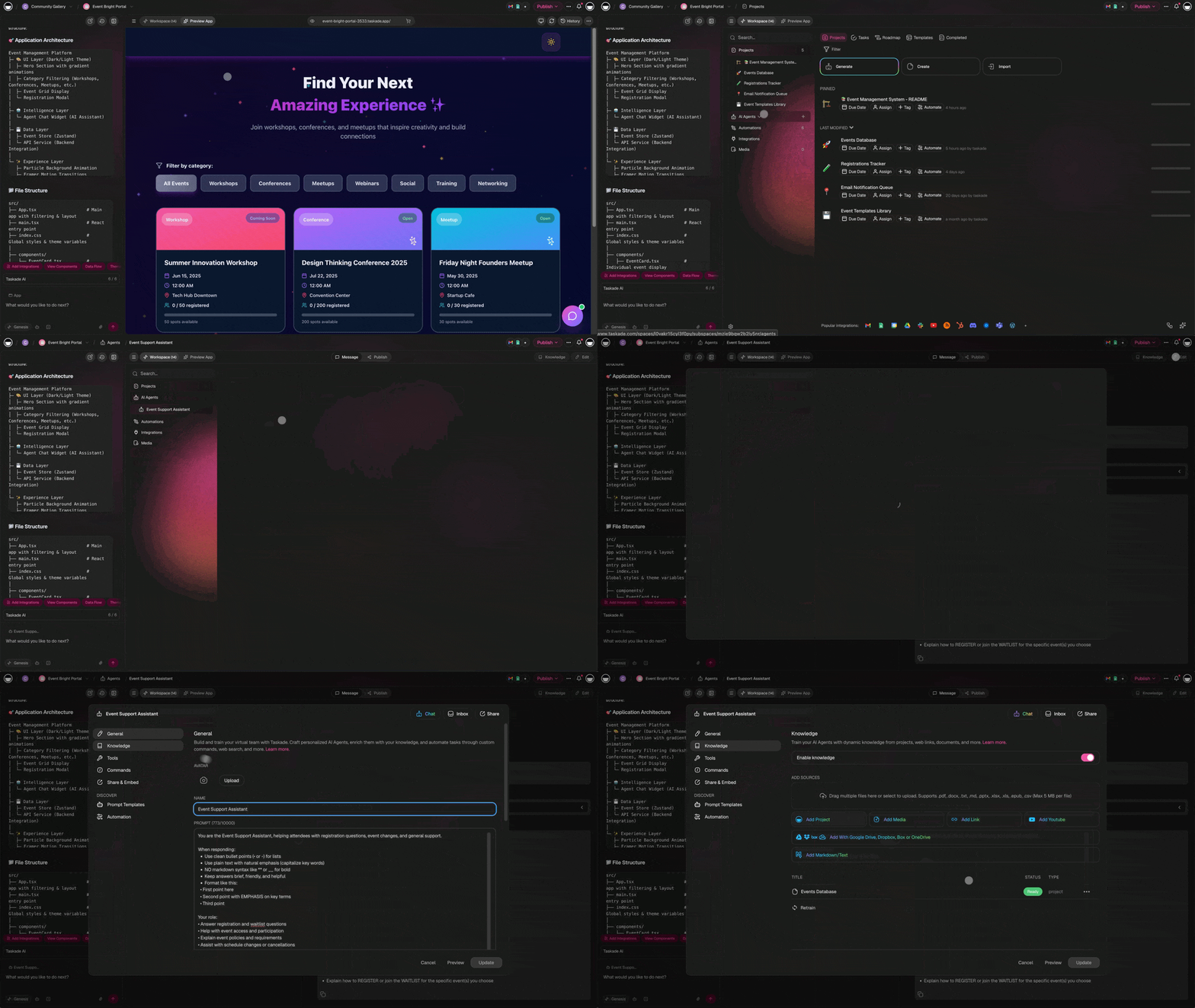
Taskade ships two different chat experiences, and searchers often mix them up.
AI Chat is the built-in assistant scoped to the project you have open. It answers questions, rewrites text and generates task lists, but it does not keep a persona or a tool set between sessions.
Custom agents are persistent. They keep their instructions and knowledge, and they can act through tools. Any custom agent can be published through a public link, where visitor conversations land in an inbox you can review, or embedded on your own website as a support or sales widget. Taskade also markets a no-code chatbot builder, which is really this same agent publishing flow with a template on top.
In short, a Taskade chatbot is an agent made public. Our breakdown of agents versus chatbots explains the general distinction.

Inside the Taskade AI Agent Generator
The generator is the fastest way to get a working agent, and Taskade's documentation (updated Oct 6, 2026) describes the flow in four moves:
- Open the AI Agents tab in a workspace and choose Generate.
- Describe who the agent serves, the job it does and the limits it should respect.
- Attach knowledge such as projects, files or links.
- Review the generated name, instructions, commands, tools and language, then select Create & Launch.
Taskade says generation takes around two minutes. Reviewers describe the output as a first draft: instructions run generic and tool picks broad, so trim both before sharing. Generation itself spends credits, and a team version that drafts several cooperating agents at once requires Pro or higher.
Genesis and TSK-1: How Taskade Builds Apps and Picks Models
Genesis, launched in October 2025, turns a prompt into a small working app that combines a database view, agents and automations. Taskade states that more than 150,000 Genesis apps have been created, a company figure rather than an independent count.
TSK-1, the Taskade System Kernel introduced on July 4, 2026, is not a model. It is an orchestration layer that routes each request to a tier: Instant, Standard, Thinking or Reasoning, with Auto choosing for you by default. Instant is open to every plan, Standard and Thinking need a paid plan, and Reasoning is reserved for Max and Enterprise.
Which models sit behind those tiers is less clear. Older TSK-1 pages talk about 15+ models from several labs. The current pricing page and agent docs are narrower: OpenAI GPT plus open-weight DeepSeek and Qwen, with Claude only for Enterprise teams that bring their own Anthropic key. Treat the lineup as changeable and check the model picker in your own account.
Taskade Pricing and AI Credits in October 2026
Taskade charges per workspace rather than per seat. Prices below come from Taskade's pricing page and billing FAQ, checked Oct 12, 2026.
| Plan | Yearly billing | Monthly billing | Members | Monthly credits |
|---|---|---|---|---|
| Free | $0 | $0 | 2 | None (earn or buy) |
| Pro | $10/mo | $20/mo | 10 | 50,000 |
| Business | $25/mo | $50/mo | Unlimited | 150,000 |
| Max | $100/mo | $200/mo | Unlimited | 400,000 |
| Enterprise | $250/mo | $500/mo | Unlimited | 1.1 million |
Business adds custom domains and SAML single sign-on, while Enterprise adds SCIM provisioning and the option to use your own AI keys. Credits pay for agent replies, automation runs and Genesis builds, and the cost per action varies with the model tier and task size. Extra packs run $5 for 9,000 credits up to $50 for 125,000 and, per Taskade, never expire. Free starts with zero credits; you earn them through referrals or buy a pack.
An older help article still quotes a $8 Starter plan; it predates this lineup. To see how other builders handle usage costs, read our no-code AI agent builder roundup.
Where Taskade Falls Short
Credit burn. The most common complaint across G2, Capterra and AppSumo threads is that heavy agent or Genesis use drains the monthly allowance faster than expected, and the per-action cost is hard to predict in advance.
Lifetime-deal changes. Buyers of earlier AppSumo lifetime plans report being moved onto metered AI credits in spring 2026, which several described as a broken promise.
Project management depth. Reviewers note thin reporting, basic permission controls and limited task dependencies compared with dedicated PM suites.
Billing support. A share of Trustpilot reviews mention slow refund handling. These are user reports, not verified figures, but read the refund terms before paying yearly.
Taskade AI Review Verdict: Who Should Use It
Pros:
- One flat price per workspace covers the whole team
- Agents learn from live projects without re-uploading
- Any agent can become a public chatbot or embed
- The generator produces a usable draft in minutes
- Apps on every major desktop and mobile platform
Cons:
- Credit use is hard to forecast
- Model lineup is described inconsistently across docs
- Weak reporting, permissions and dependencies
- Past changes to lifetime plans hurt trust
Choose Taskade if you are a small team or solo operator that wants notes, tasks and light AI automation in one tool and can budget around credits. Pass if you need audit-grade controls or complex project tracking. If you mainly want an agent that runs jobs for you, compare it with the options in our Lindy alternatives list and our top AI agent picks for 2026.
Prefer an Agent That Lives in Your Chat App? Try MyClaw
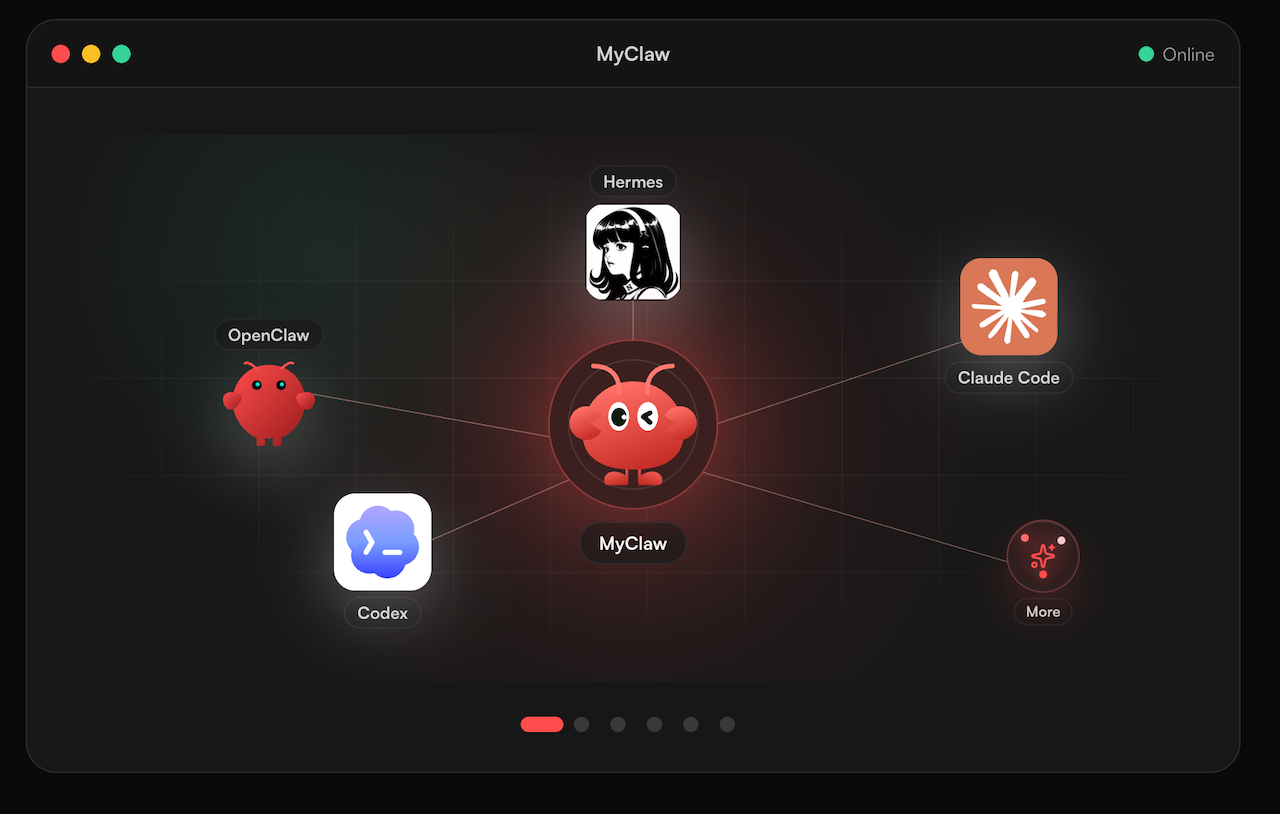
Taskade keeps its agents inside its own workspace. If you would rather have an assistant that answers in the messaging app you already use and keeps working around the clock, MyClaw hosts OpenClaw and Hermes Agent for you, with no server to maintain. See what managed hosting adds over running OpenClaw yourself.
- Launch a MyClaw instance running OpenClaw or Hermes Agent.
- Choose a model, connect your chat app, and link only the inbox or files the first job needs.
- Hand it one recurring task you would have built as a Taskade agent, then review what it did by the end of the week.
Skip the Setup, Run Best-in-Class AI Agents Now
Launch a managed OpenClaw or Hermes Agent workspace in minutes, with always-on hosting, updates, and support handled by MyClaw.