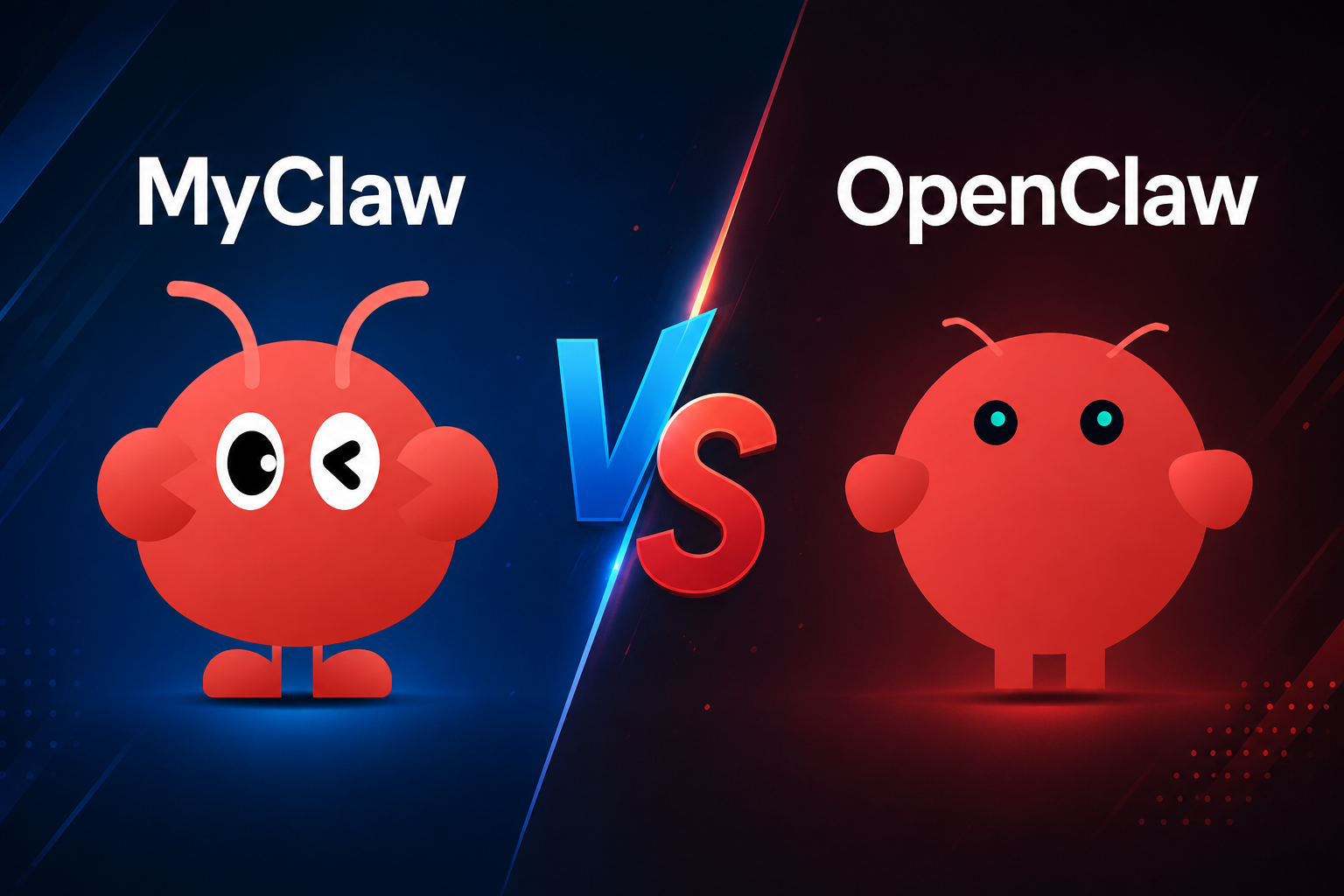
MyClaw vs OpenClaw: Managed or Self-Hosted?

By Emma Reed
MyClaw Editorial
MyClaw
Run Best-in-Class AI Agents Now
Run OpenClaw or Hermes Agent on managed MyClaw hosting, so your AI agent stays online, updated, and ready for real work.
AI Takeaway
- Are MyClaw and OpenClaw competing AI assistants? No. OpenClaw is the open-source agent software; MyClaw is a managed service that runs it for you. The real choice is who operates the infrastructure.
- Which option is easier to start and keep online? MyClaw. It combines deployment, updates, backups, and an always-on cloud runtime in a managed subscription.
- Which option gives you more control? Self-hosted OpenClaw. You control—and maintain—the machine, network, storage, update schedule, integrations, and security settings.
- Which option costs less? There is no universal winner. Self-hosting can reduce the cash cost, while MyClaw can reduce the labor cost of setup, monitoring, troubleshooting, and recovery. Model usage is a separate expense in either case.
- Who should choose each one? Choose MyClaw when you want OpenClaw without becoming its system administrator. Self-host OpenClaw when local access, deep customization, or strict infrastructure control is essential.
MyClaw vs OpenClaw at a Glance
MyClaw runs OpenClaw for you; self-hosting means you run it yourself. Both routes use OpenClaw, but the operating responsibility differs.
| Decision point | MyClaw | Self-hosted OpenClaw |
|---|---|---|
| What it is | Managed OpenClaw hosting | OpenClaw deployed and operated by you |
| Deployment | Dedicated hosted environment | Your computer, server, or VPS |
| Initial setup | Instance provisioned for you | You install, configure, and secure it |
| Maintenance | Updates, backups, and runtime managed | You handle updates, backups, and recovery |
| Always-on use | Included in the service | Depends on your hardware and operations |
| Infrastructure control | Plan-level choices | Full host and network control |
| Skills and integrations | Custom skills and integrations supported | Broad flexibility within your environment |
| Cost structure | Hosting subscription plus model usage | Hardware or VPS, model usage, and your time |
| Best fit | Fast, low-maintenance adoption | Technical users with specific control needs |
If you are still deciding among local hardware, a VPS, and a managed service, a broader OpenClaw hosting comparison can help you choose the deployment category first.
The Core Difference Is Management, Not the Agent
OpenClaw Is the Open-Source Agent Software
OpenClaw is the personal AI agent runtime. It combines models with memory, tools, messaging channels, schedules, and skills so it can complete work rather than only return an answer. When self-hosted, it runs on a machine you control.
You decide where data is stored, which services the agent can reach, when updates happen, and how backups and network access work. You can also adapt the host for unusual tools or local resources.
Open source does not mean zero-cost operation. Hardware or hosting, model usage, maintenance, and recovery still have a cost.
MyClaw Is a Managed Way to Run OpenClaw
MyClaw’s managed OpenClaw service provides that runtime in a dedicated hosted environment. It handles deployment and routine infrastructure work while you focus on the agent’s job. Current plans include automatic maintenance, daily backups, and an always-on runtime.
MyClaw is not a replacement framework or a different intelligence layer. It is a managed operating model for OpenClaw that reduces the server work you own.
What Both Paths Let OpenClaw Do
Both paths can connect models and channels, work with files and apps, retain context, run scheduled jobs, and complete multi-step tasks. You can also add OpenClaw skills for specialized workflows.
Results still depend on the model, credentials, skills, permissions, and available resources. Recurring tasks need a reliable runtime, while consequential actions need sensible limits. Hosting changes who manages the environment; it does not replace workflow design.
Six Differences That Matter in Daily Use
1. Setup and Time to First Useful Workflow
Self-hosting means choosing a machine, installing OpenClaw, configuring models and channels, securing access, and testing the runtime. Installation is only the first milestone; the setup becomes useful when a real workflow runs reliably.
MyClaw shortens that phase. Your first decisions are more likely to be the model, channel, skills, and task—not the server configuration.
2. Maintenance, Updates, and Recovery
A self-hosted instance needs patching, restart handling, log review, backups, and a tested recovery process. A one-click installer cannot remove those responsibilities. If an update fails, you diagnose and restore it.
MyClaw handles routine runtime maintenance, automatic updates, and daily backups. That is the central value of managed hosting: less operational work after launch, not merely a faster installation.
3. Control and Customization
Self-hosted OpenClaw provides the most infrastructure-level control. You choose the operating system, server region, network rules, storage, update timing, and access to local or private-network resources.
MyClaw supports custom skills and integrations, but the infrastructure remains managed. You trade some host-level freedom for fewer systems to operate.
4. Privacy, Security, and Responsibility
Self-hosting gives you direct control over where the runtime and workspace live. It can suit strict data-residency, private-network, or custom security requirements. However, a local runtime does not guarantee that all processing stays local: model providers and connected services may still receive the data you send them.
Control is not the same as safety. A self-hoster must secure the gateway, rotate credentials, patch the host, restrict network exposure, and maintain recoverable backups.
Managed hosting can reduce common configuration and maintenance gaps, but it does not make broad permissions harmless. In either deployment, follow practical AI agent security: use scoped credentials, grant only required tools, keep sensitive actions behind approval, and review what the agent can read or change.
5. Reliability and 24/7 Access
MyClaw is designed to keep the agent available when your laptop is asleep or offline. That matters for inbox triage, monitoring, scheduled reports, and messaging workflows that must run without you present.
A well-operated VPS or dedicated local machine can also deliver strong uptime. With self-hosting, however, you monitor power, connectivity, disk space, restarts, and failed jobs. A practical OpenClaw VPS guide is useful if you want that control and accept the work.

6. Price and Total Cost of Ownership
Compare four costs, not one: hardware or hosting, a managed subscription where applicable, model usage, and maintenance time.
Self-hosting can be economical if you already own an always-on machine or can operate a low-cost VPS efficiently. MyClaw offers a more predictable managed bill. As of August 2026, Lite costs $29 month-to-month or $199 per year, and AI token usage is not included in the subscription. Check the current MyClaw pricing before choosing.
The cheaper option depends on your time. Saving money on a server is meaningful if you enjoy operating it. It is less compelling if a failed update consumes an afternoon or an untested backup fails when you need it.
Choose Self-Hosted OpenClaw If You Want Maximum Ownership
Self-host OpenClaw when you are comfortable operating systems and want the environment to remain fully under your control. It is the better fit when you need local files or private-network services, specific data-location rules, a custom security design, unusual host-level integrations, or the freedom to delay and test updates on your own schedule.
Uptime, patches, logs, backups, restoration, and incidents become your responsibility. That is useful when operational control matters and a burden when it is unrelated to the agent’s work.
Choose MyClaw If You Want OpenClaw Without Server Operations
Choose MyClaw for a shorter route from an idea to a reliable workflow. It fits solo operators and teams that want an agent online around the clock without maintaining Linux, Docker, networking, backups, and updates.
The value is not a different agent. It is being able to spend your time defining useful tasks, reviewing results, and improving workflows while the service handles the runtime around them.
How to Get OpenClaw Running with MyClaw
Step 1: Define One Workflow Before Choosing Capacity
Start with a job you can describe and evaluate, such as a daily inbox summary, competitor check, or scheduled report. Choose capacity for that workload instead of hypothetical future automation.
Step 2: Connect One Model, One Channel, and the Skills You Need
Keep the first setup narrow. Connect the model and channel you will actually use, add only the required skills, and issue scoped credentials rather than giving the agent blanket access.
Step 3: Prove Reliability Before Expanding Access
Review repeated runs, check failure cases, and keep consequential actions behind approval. Add more tools or autonomous steps only after the original workflow is dependable.
The Verdict: Choose the Operating Model, Not a Different AI
Choose MyClaw when you want managed convenience, continuous availability, and less infrastructure work. Choose self-hosted OpenClaw when maximum ownership, local access, or host-level control matters enough to justify ongoing operations.
Before deciding, list the systems your agent will access and the actions it may take. Then ask one practical question: do you want to operate the machine behind that agent, or do you want that responsibility managed for you?
Skip the Setup, Run Best-in-Class AI Agents Now
Launch a managed OpenClaw or Hermes Agent workspace in minutes, with always-on hosting, updates, and support handled by MyClaw.