Kling 4.0 Review: Features, Limits and Verdict for 2026

By Alex Morgan
MyClaw Editorial
MyClaw
Run Best-in-Class AI Agents Now
Run OpenClaw or Hermes Agent on managed MyClaw hosting, so your AI agent stays online, updated, and ready for real work.
AI Takeaway
- What is Kling 4.0? It is Kuaishou's Kling AI video model, announced on September 30, 2026 as early access and, per Kling's October 15, 2026 post on X, fully available on kling.ai since that day (vendor-stated).
- What is new compared with earlier Kling models? Kling lists single generations of up to 30 seconds, up to 10 keyframe images, up to 15 reference assets, two-channel stereo audio and improved lip sync (vendor-stated, September 30, 2026).
- What is still missing? Kling describes 10-bit HDR output, API access for enterprise customers and developers, and video extension up to 2 minutes as coming soon (vendor-stated, October 15, 2026).
- What does it cost? Access runs on credit-based plans. Kling's credit policy (read October 16, 2026) states $1 buys 66 credits, while the plan prices in this review come from third-party trackers and may have changed.
- Where can I try it? MyClaw Chat's video tool at myclaw.ai/chat/video lets you generate with Kling 4.0 without opening a Kling account first. Anyone who needs an API pipeline today should still wait, because Kling lists API access as coming soon.
Kling 4.0 Review: The Short Verdict
Kling 4.0 looks like a strong step for creators who think in scenes rather than clips. A 30-second take, ten keyframes and fifteen references give far more direction than a bare prompt. The catch is that several headline items are still marked coming soon, so what you can use today is narrower than the launch material suggests.
The quickest way to judge it yourself is MyClaw Chat's video tool, where Kling 4.0 is one click away and you can run a prompt before deciding on any plan. We have not run our own generations for this review. Everything below comes from Kling's official posts and from outside reports, each labelled with its date. If you are weighing it against another model, our Seedance 2.5 review gives a useful second reference point.
| Detail | Status | |
|---|---|---|
| Clip length | Up to 30 seconds per generation | Available, per Kling |
| Control | 10 keyframes, 15 references | Available, per Kling |
| Audio | Stereo sound, better lip sync | Available, per Kling |
| HDR output | 10-bit at 4K and 1080p | Coming soon |
| API access | Enterprise and developers | Coming soon |
What Kling 4.0 Adds
Native 30-Second Generation and Keyframes
Kling says the model produces up to 30 seconds in one pass, so emotion, action and camera movement can build inside a single take. Earlier clips usually had to be stitched. A third-party comparison reports that Kling 3.0 stopped at 15 seconds with start and end frames (Kavel AI, October 2026), which makes this the biggest structural change.
Keyframes work as anchor points. You supply up to 10 images that set poses, expressions and scene transitions, and the model fills in the motion between them. Kling also says prompts can now run to 8,000 tokens.
Omni Reference and Editing
A single generation can combine up to 15 reference assets: up to 10 images, 5 videos totalling 30 seconds, and 7 subjects, including a chosen voice for a subject (vendor-stated). Kling pairs this with targeted edits to expressions, body movement, camera position, style and background while the rest of the scene holds still. It also describes recreating the pacing and composition of an existing video with different products or characters.
Audio, Lip Sync and Languages
Kling lists stereo audio and tighter lip sync. Supported languages include Chinese, English, Japanese, Korean, Spanish, Portuguese, German, French and Hindi, plus several dialects and accents such as Cantonese, Sichuanese and British English. It also says on-screen text, emojis and logos stay stable through movement.
The New Creation Page, Canvas and Agent
The creation page now gathers images, videos and audio references into one input box, offers grid and list views, and keeps edits on one timeline. A canvas lets you connect content nodes, and an in-app Agent can take a request and use tools to carry it out. Kling also says the model is reachable through MCP and CLI tools (October 15, 2026).
Kling 4.0 Flash Versus the Full Model

Kling 4.0 Flash opened on September 28, 2026 to Ultra Yearly subscribers, and Kling calls it the option for frequent creation with fast generation and good value. It is the lighter tier, not a replacement for the full model.
Outside sources add specifics Kling did not publish in the announcement. One early-access write-up lists Flash at 720p and up to 20 seconds, against up to 4K and 30 seconds for the full model (reapi.ai, October 2026). Treat those numbers as third-party-reported, because we could not confirm them on a Kling page.
Access, API and Pricing
Today the full model runs in the refreshed creation interface on kling.ai and through MCP and CLI access. The API for enterprise customers and developers is not live, according to Kling's October 15, 2026 post. That matters if you plan to call the model from an app or a batch job.
Kling's credit policy (read October 16, 2026) says $1 equals 66 credits. Membership credits expire one month after they are issued, purchased credits stay valid for 2 years, and credits from a failed generation are refunded. It also lists fast-track generation, 1080p video and video extension as premium-only functions. For plans, trackers reported the following as of October 2026, and you should confirm them on kling.ai before paying:
| Plan | Credits a month | Monthly price after the first month |
|---|---|---|
| Standard | 660 | $8.80 |
| Pro | 3,000 | $32.56 |
| Premier | 8,000 | $80.96 |
| Ultra | 26,000 | $159.99 |
The same trackers show higher list prices of $10, $37, $92 and $180 and discounted first months. Credit costs per clip vary by model and length, and we could not find a figure for a 30-second Kling 4.0 clip, so budget with a test run first.

What Early Testers Report
Kling's own blog features creators who describe stable motion across a 30-second fight scene, consistent characters and smooth style changes. Those posts are chosen by the vendor, so read them as promotion rather than independent testing.
Outside Flash testers, quoted by reapi.ai, praised motion, prompt understanding and dialogue. They also reported unrequested background music, unwanted shot cuts and soft detail in wide shots. We saw these only as search snippets and cannot vouch for them. Full-model reports are still thin because it opened only a day before this review.
Kling 4.0 Pros and Cons
Pros
- Native 30-second takes reduce stitching.
- Ten keyframes give real control over story beats.
- Fifteen references help keep characters and products consistent.
- Stereo audio and multilingual lip sync are built in, per Kling.
Cons
- HDR output and API access are not available yet.
- Membership credits expire monthly, and per-clip costs are hard to predict.
- Reported Flash quirks include extra music and extra cuts.
- Most evidence so far is vendor-chosen or early-access.
Kling 4.0 Alternatives Worth Comparing
Video models change fast, and the best one depends on clip length, control and budget. Our Wan 2.7 review covers an open-weights contender, while the MiniMax H3 review looks at another recent release. Run the same prompt and the same reference images through each, starting with Kling 4.0 in MyClaw Chat's video tool, before committing to a plan, and compare motion, audio, consistency and how many credits or dollars each attempt burned. A fair test uses at least three prompts: one dialogue scene, one fast action shot and one product shot, because models often excel at only one of those.
Who Should Use Kling 4.0
Pick it if you make ads, short films or social clips built around references and want a long continuous shot. It also suits groups happy inside the kling.ai interface who can wait for the API. A practical first step is a small test budget: generate one 10-second clip and one 30-second clip from the same references, then check how many credits each consumed. Skip it for now if you must integrate through an API, need native HDR today, or want fixed per-clip prices.
If you are still shortlisting, the Vidu S2 review shows a different trade-off between speed and control.
Use Kling 4.0 on MyClaw
If you would rather see what Kling 4.0 does than read about it, here is an easy way in. MyClaw Chat's video tool can generate with Kling 4.0, so you can write a prompt, drop in a reference image or two, and watch what comes back. No setup and no wiring things together first.
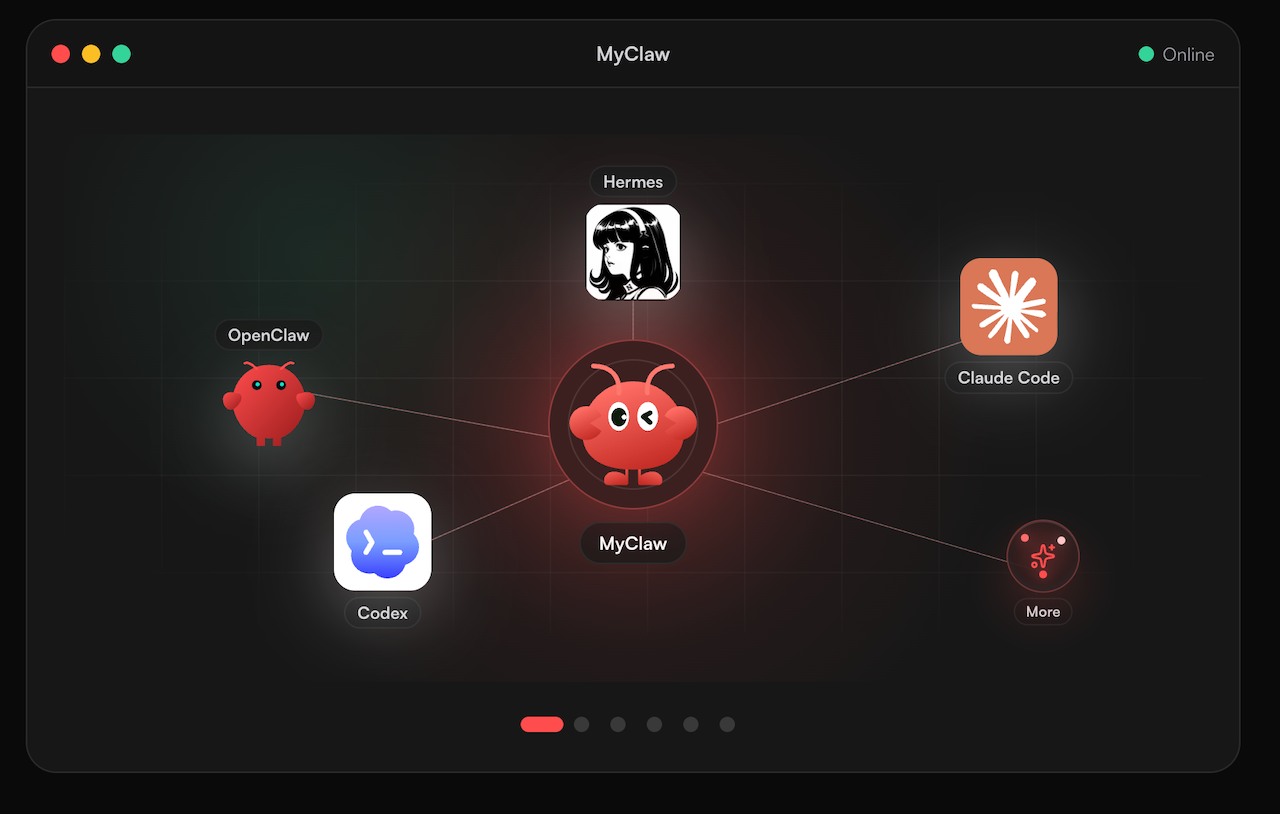
MyClaw is also home to managed agents powered by OpenClaw and Hermes. If you are curious about that side, what OpenClaw is and our Hermes agent page are friendly places to start. We are not comparing prices here, so check what you need on each site.
Pros
- A gentle way to try the model without opening a Kling account first.
- Your clip sits right next to the chat that made it.
Cons
- MyClaw may not offer every option Kling's own site does, so check first if you need a specific one.
- Kling's API and HDR are still coming soon on Kling's side.
- Head to myclaw.ai/chat/video.
- Pick Kling 4.0 in the model picker.
- Type your prompt, add references if you like, and hit generate.
Conclusion
Kling 4.0 looks like a real step forward for anyone who builds scenes: long single takes, keyframes and plenty of references, as Kling describes them. The catch is that HDR and the API are still coming soon, and most of the evidence so far is early or vendor-supplied. It suits creators who like to direct a shot, and it can wait for teams that need an API. If you are curious, the easiest next move is a quick test in MyClaw Chat's video tool. Run one prompt you care about, judge the result yourself, and decide from there.
Skip the Setup, Run Best-in-Class AI Agents Now
Launch a managed OpenClaw or Hermes Agent workspace in minutes, with always-on hosting, updates, and support handled by MyClaw.