
Grok Bot vs Claude (2026): Cowork, Claude Code & Pricing

By Emma Reed
MyClaw Editorial
MyClaw
Run Best-in-Class AI Agents Now
Run OpenClaw or Hermes Agent on managed MyClaw hosting, so your AI agent stays online, updated, and ready for real work.
AI Takeaway
- What is the main difference between Grok Bot and Claude? In Grok Bot vs Claude, Grok Bot is xAI's agent app, where your Bots share one persistent cloud computer. "Claude" usually means two Anthropic agents: Claude Cowork for office work and Claude Code for software.
- How does Grok Bot compare with Claude Cowork for knowledge work? Both can keep working in the cloud and run scheduled jobs. Cowork is better at documents and projects, while Grok Bot is built around a shared computer and routines.
- Should developers choose Grok Bot or Claude Code for coding? Claude Code, in most cases, because it lives in your terminal, IDE and CI. xAI's coding tool is a separate product, Grok Build.
- How much do Grok Bot and Claude cost? xAI lists Grok Bot at $20 a month through Cursor Pro or $30 through SuperGrok. Anthropic lists Claude Pro at $20 a month ($17 billed annually) and Max from $100.
- Where does MyClaw fit if you want an agent that never goes offline? MyClaw hosts OpenClaw and Hermes Agent around the clock and can run Claude Opus 5.5, so nothing on your desk has to stay awake.
Grok Bot: Hand Chores to a Cloud Teammate That Never Logs Off
Grok Bot is xAI's agent app, in beta since August 11, 2026 and delivered with Cursor. It is not the Grok chatbot; it is built to finish work, not just answer questions.
Every Bot on your account shares one persistent cloud computer, with its files, browser sessions and logins, so Bots can pass work along and keep going when your devices are closed. You write skills, turn them into routines that run on a schedule or after an event, and, where available, use Teach a task to record a browser workflow of up to ten minutes. When a site asks for a CAPTCHA or two-factor code, the Bot hands control back to you.
Apps cover macOS, Windows, Linux, iOS and Android. You can't pick the model, and it's closed source. For what early users say, see our roundup of Grok Bot reviews.
Pros:
- Work keeps running in the cloud when your devices are off
- Bots coordinate through shared files and logins
- Native apps on desktop and mobile
Cons:
- Bots share one computer, and xAI says not to treat them as security boundaries
- No model choice, and usage depends on a Cursor or SuperGrok plan
- Still in beta, with enterprise access rolling out
Grok Bot vs Claude Cowork: Who Handles Office and Research Work Better?
Claude Cowork is Anthropic's agent for non-coding knowledge work, built on the same foundation as Claude Code. It requires a paid plan and runs in the Claude desktop app on macOS and Windows, with web and mobile access in beta.
Older write-ups call Cowork local-only, but Anthropic's help docs now say sessions can run in the cloud (in beta) after you close your laptop, and scheduled tasks created with /schedule run in the cloud too. Anthropic is also folding Cowork into the main Claude app, rolling out gradually to Pro and Max.
Cowork shines at finished documents and research summaries, with projects, plugins, MCP connectors and a built-in browser. Local files and computer use still need the desktop app, and computer use is a Pro and Max research preview. The real split in Grok Bot vs Claude Cowork is architecture: Cowork runs each cloud session in an isolated environment, while every Grok Bot works on the same shared machine. For an open-source take, read OpenClaw vs Claude Cowork.
Pros:
- Strong at documents, spreadsheets and research inside the Claude app
- Manual, Auto and Skip permission modes, and file deletion always needs your approval
- Enterprise admin controls, plus deployment through Amazon Bedrock, Google Cloud or Microsoft Foundry
Cons:
- Paid plans only, and Cowork burns through usage limits faster than chat
- Computer use isn't yet available on Team or Enterprise plans
- Sessions can't be shared with teammates
Grok Bot vs Claude Code: The Better Fit for Software Work
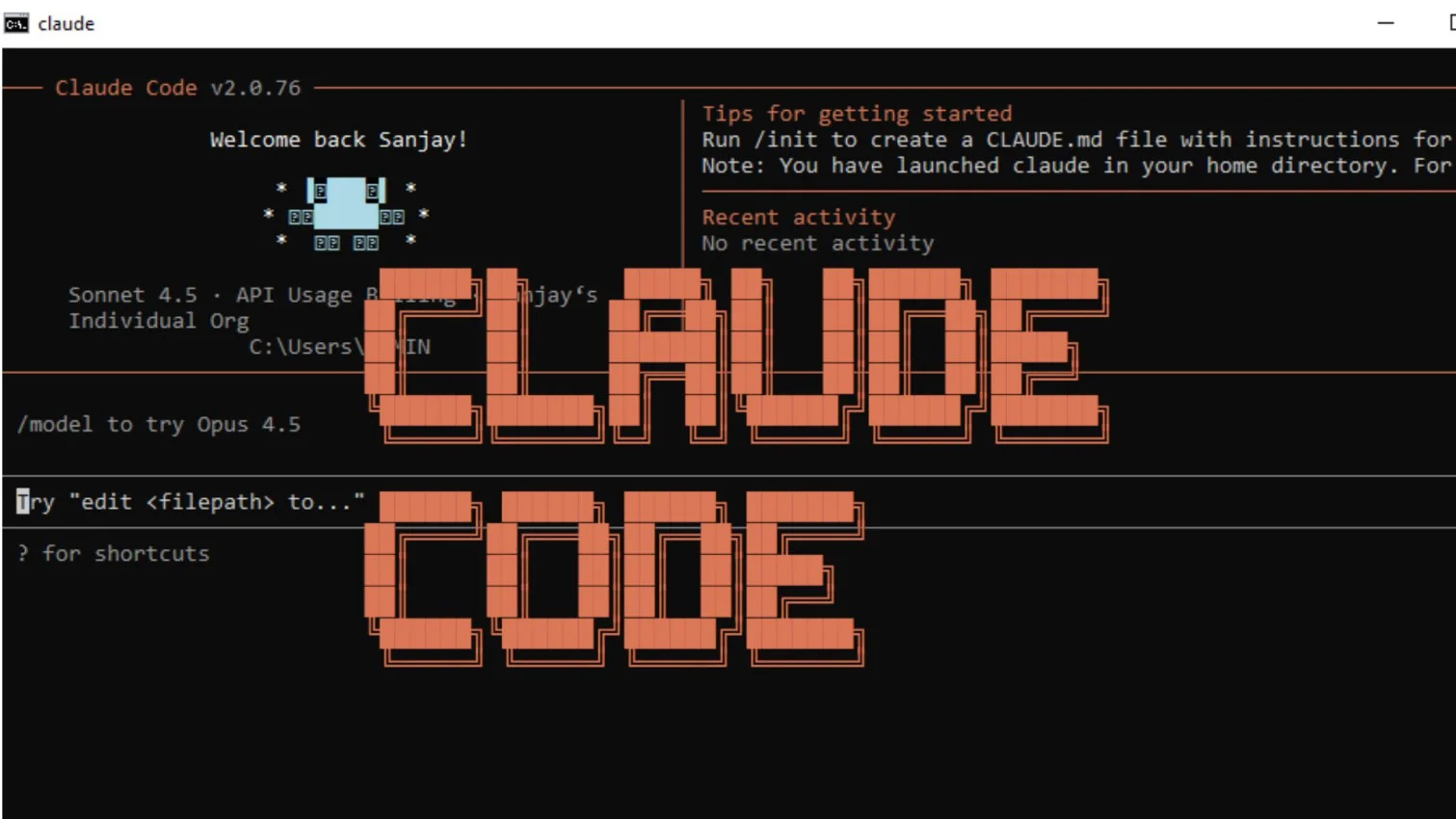
Claude Code is Anthropic's agentic coding tool for the terminal, VS Code, Cursor, JetBrains, the desktop app and the web. It reads your codebase, edits files, runs commands, and connects to MCP servers, hooks, sub-agents and CI such as GitHub Actions.
Its routines run on Anthropic's cloud even when your computer is off, triggered by a schedule, an API call or a GitHub event; desktop scheduled tasks run on your machine.
Grok Bot vs Claude Code isn't really a like-for-like match. Grok Bot can handle code, but it isn't built around your repository or editor; xAI's direct counterpart is Grok Build, a separate product. For refactors, tests and pull requests, reach for Claude Code. For chores across browsers, inboxes and apps, Grok Bot fits better. For another angle, see Hermes Agent vs Claude Code.
Pros:
- Meets developers in the terminal, IDE and CI
- Fine-grained permission rules, sandboxing and managed settings
- Included in every paid Claude plan
Cons:
- Shares one usage allowance with Claude chat and Cowork
- Not available on the free Claude plan
- Built for code, not general office work
MyClaw: Keep an Open-Source Agent Online 24/7
MyClaw takes a third route. Instead of a closed agent app, it gives you a managed, always-on open-source runtime, OpenClaw or Hermes Agent, on MyClaw's servers. Your agent keeps replying and running scheduled jobs after your laptop lid is shut.
You reach it from Telegram, Slack or Discord and choose the model behind it, including Claude Opus 5.5 for tougher reasoning. MyClaw handles setup, updates and uptime, which is where self-hosting usually falls apart. Our guide to managed Hermes Agent hosting compares the options.
Pros:
- Always-on hosting, with updates and maintenance handled for you
- Open-source runtimes, so your setup isn't locked to one vendor
- Claude Opus 5.5 is available for demanding tasks
Cons:
- Limited to the OpenClaw and Hermes Agent runtimes
- No built-in office suite like Cowork's document tools
- Not a substitute for an IDE-native coding agent
See Grok Bot, Claude Cowork and Claude Code Side by Side
If the model matters as much as the agent, see Claude Opus 5.5 vs GPT-6 Astra for price and performance.
| Feature | MyClaw | Grok Bot | Claude Cowork | Claude Code |
|---|---|---|---|---|
| Made by | MyClaw (hosts OpenClaw and Hermes Agent) | xAI, with Cursor | Anthropic | Anthropic |
| Best for | Always-on personal or team agent | Cloud teammate for cross-app chores | Documents and research | Software engineering |
| Where it runs | MyClaw cloud, 24/7 | One shared cloud computer per user | Desktop, plus cloud sessions (beta) | Local terminal and IDE, plus cloud routines |
| Apps | Web and chat apps | macOS, Windows, Linux, iOS, Android | macOS and Windows desktop; web and mobile (beta) | CLI, IDEs, desktop, web |
| Models | Multiple, including Claude Opus 5.5 | No model picker | Claude models | Claude models |
| Recurring work | Always-on agent tasks | Routines | Scheduled tasks (cloud) | Cloud routines, desktop scheduled tasks |
| Source | Open-source runtimes | Closed | Closed | Closed |
Compare xAI and Anthropic Prices Before You Subscribe
Grok Bot pricing, per xAI: $20 a month through Cursor Pro or $30 a month through SuperGrok, both billed monthly. Weekly usage is included, with optional on-demand usage billed by token cost.
Claude pricing, per Anthropic: the free plan doesn't include Cowork or Claude Code. Pro costs $20 a month, or $17 a month billed annually. Max costs $100 a month for 5x usage or $200 for 20x. Team Standard seats cost $25 a month ($20 billed annually), Team Premium seats cost $125 ($100 billed annually), and Enterprise goes through sales. One subscription covers chat, Cowork and Claude Code from a shared allowance.
Set Guardrails Before Any Agent Touches Your Accounts
Grok Bot supports Auto-review and Ask-first rules for sending, publishing or deleting. Because all your Bots share one computer and its logins, separate sensitive work by account, not by Bot.
Claude Cowork isolates cloud sessions and asks before using each app with computer use. Claude Code checks deny, then ask, then allow rules, supports sandboxing, and Anthropic recommends bypass mode only in isolated containers. On MyClaw, your agent runs on hosted servers rather than on your personal laptop.
Match Each Job to the Right Agent
| Job | Pick | Why |
|---|---|---|
| An agent that answers on Telegram or Slack 24/7 | MyClaw | Always-on hosted OpenClaw or Hermes Agent |
| Recurring browser and inbox chores | Grok Bot | Persistent cloud computer and routines |
| Decks, spreadsheets and research reports | Claude Cowork | Document output, projects and plugins |
| Refactors, tests and pull requests | Claude Code | Terminal, IDE and CI integration |
| Hard reasoning in an open-source agent | MyClaw with Claude Opus 5.5 | A Claude model inside a hosted runtime |
Get an Always-On Agent Running on MyClaw in 3 Steps
- Pick your runtime. Sign up for MyClaw and choose OpenClaw or Hermes Agent.
- Choose a model and channel. Select a model such as Claude Opus 5.5, then connect Telegram, Slack or another chat app.
- Hand off the first job. Give your agent a recurring task and let it run around the clock.
Want to test models first? Try them in MyClaw Chat.
Skip the Setup, Run Best-in-Class AI Agents Now
Launch a managed OpenClaw or Hermes Agent workspace in minutes, with always-on hosting, updates, and support handled by MyClaw.