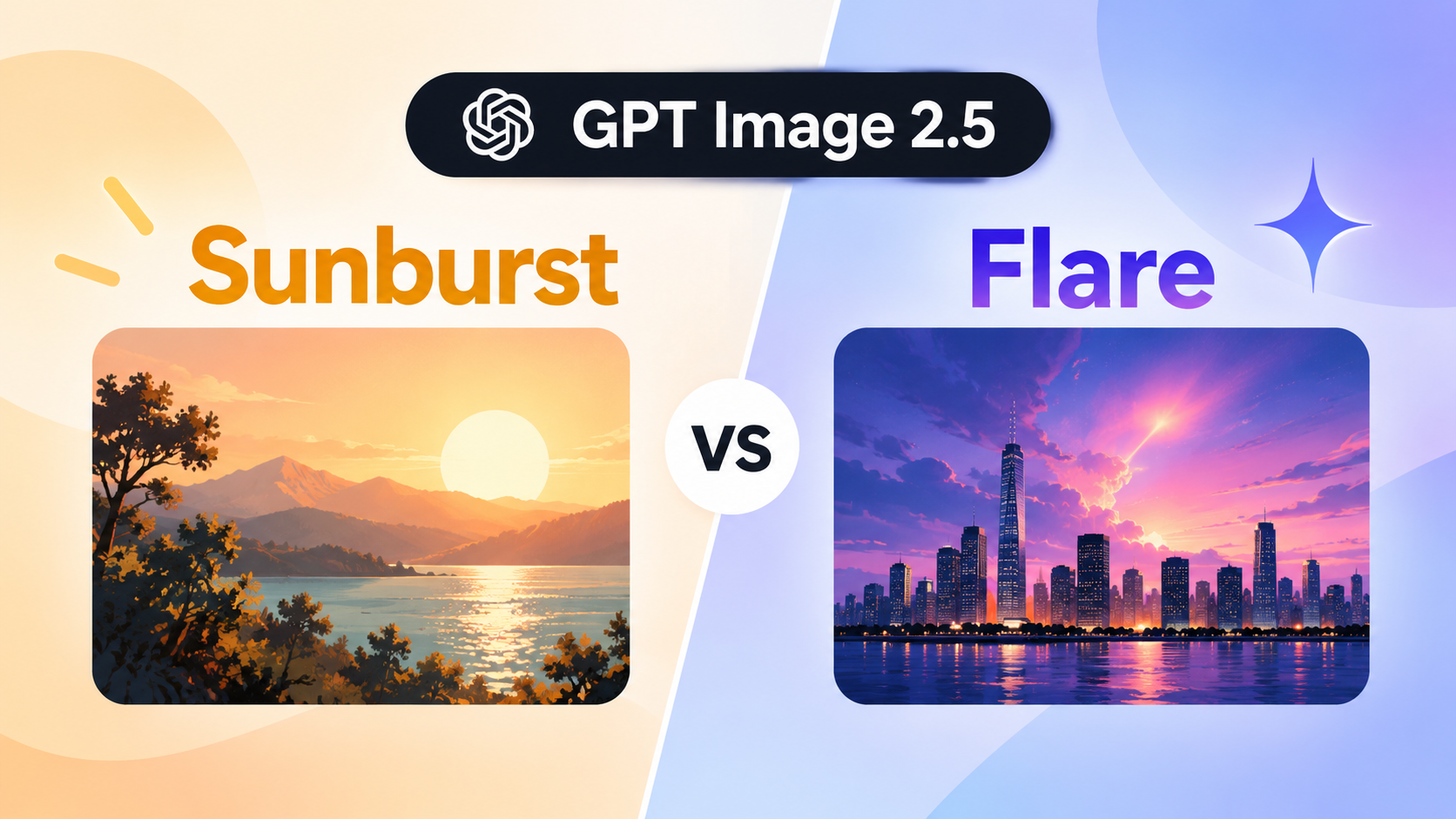
GPT Image 2.5 Sunburst vs Flare: Quality, Speed & Cost

By Olivia Hart
MyClaw Editorial
MyClaw
Run Best-in-Class AI Agents Now
Run OpenClaw or Hermes Agent on managed MyClaw hosting, so your AI agent stays online, updated, and ready for real work.
AI Takeaway
- Sunburst or Flare? Prefer Sunburst (
gpt-image-2.5-sunburst) for demanding quality and tighter multi-turn edits. Prefer Flare (gpt-image-2.5-flare) when speed and volume matter and GPT Image 2 quality already cleared your bar. - Different list rates? No. Both share the Standard card: image $8 / $2 cached / $30 out; text in $5 / $1.25; text out not billed. Equal rates ≠ equal cost per accepted image — measure
usage. - OpenAI split? Flare = small / speed default (guide: quality comparable to Image 2; latency up to ~50% lower — vendor claim). Sunburst = base / quality-first (higher than Image 2 per guide).
- Full 2.5 product? Specs, ChatGPT UX, and Image 2 migration live on the GPT Image 2.5 review. This page is the which-ID decision.
- On MyClaw? Both IDs are available in MyClaw Chat. Run one fixed brief on each and compare accept rate, wall-clock, and spend.
Sunburst vs Flare at a Glance
One product name, two API IDs. This table is the decision surface — not a second full review of GPT Image 2.5.
| Detail | Sunburst | Flare |
|---|---|---|
| API model ID | gpt-image-2.5-sunburst | gpt-image-2.5-flare |
| Dated snapshot | gpt-image-2.5-sunburst-2026-09-08 | gpt-image-2.5-flare-2026-09-08 |
| Docs role | Base (quality-first) | Small (speed default) |
| Quality vs Image 2 | Higher (prompting guide) | Comparable (guide); announcement also markets Flare as higher-quality-at-lower-latency |
| Relative speed | Longer generation | Up to ~50% lower latency (OpenAI claim) |
| Standard token rates | Image $8 / $2 / $30; text in $5 / $1.25 | Same list rates |
| Quality settings | auto … xhigh / max | Same ladder |
| Best first test | Demanding finals, multi-step edits | Volume, social, prototyping |
| MyClaw | Live in Chat | Live in Chat |
Pin the undated alias versus the dated snapshot when you need a production freeze. The same quality label does not guarantee the same look or wall-clock — A/B the same prompt, refs, and size on your harness before you rename defaults. Treat this table as a routing card: if you need full 2.5 product context, open the sibling review first, then return here only to pick an ID.
What Actually Differs
The useful split is narrow: quality and edit control versus latency. Shared plumbing is not a fake feature gap.
Quality and control. Sunburst fits campaign polish, product geometry, text-in-image, and multi-turn “change only X” when Image 2 or Flare still slips. Subject preservation across turns — likeness, packaging, brand layout — is where the quality-first ID earns longer generation. Flare is the everyday generator and editor when Image 2 already cleared your accept bar and you want faster loops, not another pass through the whole 2.5 product story.
Speed. Flare carries the latency story. OpenAI markets up to roughly half the wait versus Image 2; partner quotes elsewhere go higher — those are their evals, not yours. Sunburst trades turnaround for precision. Measure wall-clock on the same prompt, size, and quality setting; do not invent a fixed multiplier between IDs. Decide whether the extra wait buys fewer rejects.
Messaging caution. Prefer the prompting-guide framing: Flare ≈ Image 2 quality; Sunburst higher than Image 2. Treat announcement copy that sells Flare as “higher quality at lower latency” as vendor marketing when you cite it. Your accept rate is the only quality score that ships.
What does not differ. Both share transparency (background=transparent with PNG/WebP), the same size rules, the same auto → xhigh / max ladder, and the same Image API plus Responses image-tool surface. The MyClaw Image Generator is an optional entry point; it does not change the ID choice. Deep quality-ladder detail and ChatGPT UX stay on the sibling review.
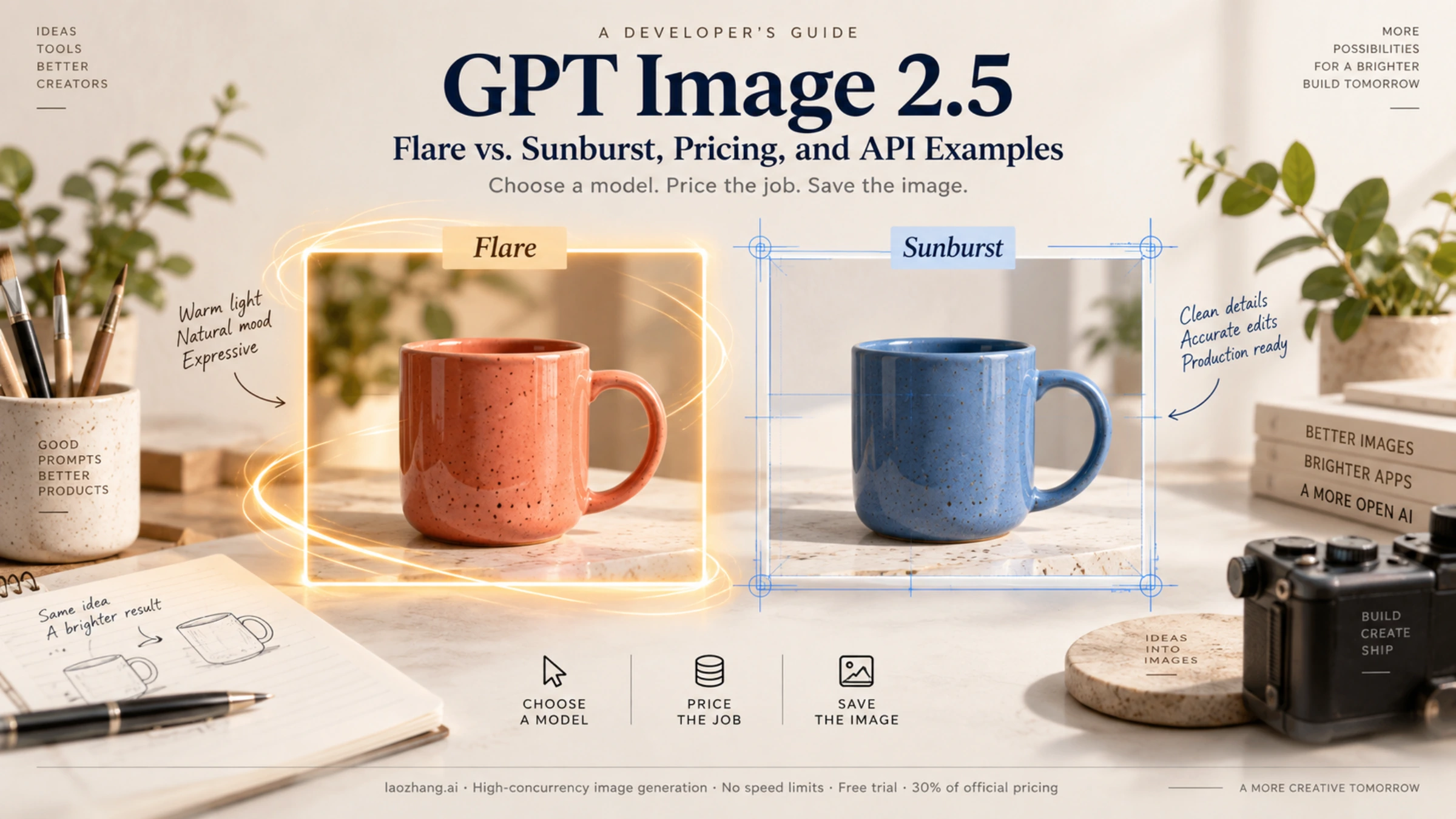
Same Token Card — Different Cost Per Accepted Image
Flare is not cheaper on the price table. Sunburst and Flare publish identical Standard rates — the same card Image 2 uses for image tokens ($8 input / $2 cached / $30 output per 1M) and text-in ($5 / $1.25). Text output is not billed on either ID. If someone quotes a lower “Flare price,” they are conflating latency with list rates.
What moves the bill is cost per accepted asset: retries, quality tier, resolution, reference images, and streaming partials. Two IDs can share a rate card and still diverge in spend once you count rejects. A faster ID that needs two retries can cost more than a slower ID that lands clean on the first pass. OpenAI is explicit that the GPT Image 2 calculator does not estimate 2.5 consumption — read usage from the run you shipped.
Hosting and Chat plan fees are not OpenAI image tokens. See MyClaw pricing for how plans sit next to model spend. Score accept rate × wall-clock × measured tokens — not a rate-card screenshot. Keep a small log of ID, quality, size, and spend next to each accepted file so the next routing decision is evidence, not habit.
When to Prefer Sunburst vs. Flare
Prefer Sunburst when
- Demanding quality or complex edits still fail on Image 2
- Identity or product preservation must hold across turns (headshots, packaging, brand mascots)
- Campaign finals, polished product shots, or layout-heavy assets where one reject costs more than a slower first pass
- Multi-step edit chains need “change only X” without drifting the rest of the frame
Prefer Flare when
- Iteration speed and volume matter more than the last inch of polish
- Image 2 quality already cleared the bar and you mainly want lower latency
- Social batches, prototyping, or high-throughput drafts before a Sunburst final
- Daily creative ops need a default that keeps the queue moving while still editing cleanly enough for most briefs
Practical order (OpenAI prompting guide)
- If Image 2 is already OK → try Flare for latency.
- If Image 2 fails demanding quality → prove Sunburst, then optionally downshift to Flare if accept rate still holds.
- Hold prompt, references, size, and explicit quality constant on the first A/B.
Do not promote a winner from one brief family to every job shape. A social crop that crowns Flare can still lose on a packaging edit where Sunburst’s slower pass wins on accept rate. Prompt patterns from Image 2 still transfer; the ID is the variable, not a rewrite of your brief. For craft notes on the earlier generation, see What’s Inside GPT Image 2?.
How to A/B Them in MyClaw Chat
Both IDs are already live in MyClaw Chat. Keep the harness boring so the only moving part is the model string.
Step 1: Open Chat and select each ID
Confirm gpt-image-2.5-flare and gpt-image-2.5-sunburst appear for your account. Switch IDs in the same workspace; do not change the brief between runs. Image Generator templates remain optional if you prefer a guided layout over a blank chat.
Step 2: Run one fixed brief on both
Same prompt, size, and quality label. For edits: one reference plus one “change only X.” Score accept/reject, wall-clock, and usage. A volume-shaped brief (social crop, cover draft, quick variant) and a demanding final (tight product geometry, text-in-image, multi-turn identity) often crown different winners — that is expected. For a concrete volume starter, try an album-cover brief on both IDs before you promote a winner to campaign work.
Step 3: Keep the winner for the job shape
Log model ID, quality setting, and spend next to the asset. Use Flare for volume loops and Sunburst for demanding finals — same Chat workspace, different ID. Re-check when your prompt family or quality default changes. Soft CTAs and plan copy can wait until you publish; the decision itself is which ID you leave selected.
Conclusion
Sunburst is the quality-first ID: longer generation, stronger fit for demanding creative and precise multi-turn edits. Flare is the speed default: everyday generation and high-volume work when Image 2–class quality already passes.
They share one Standard token card. Decide on accept rate, latency, and cost per accepted image — not a cheaper row that does not exist. Both IDs live in MyClaw Chat; use the sibling GPT Image 2.5 review for full product context, then come back here when you only need to pick an ID. If your brief family changes, re-run the three-step A/B instead of assuming last month’s winner still holds.
Skip the Setup, Run Best-in-Class AI Agents Now
Launch a managed OpenClaw or Hermes Agent workspace in minutes, with always-on hosting, updates, and support handled by MyClaw.