Dola Seedream 5.0 Lite Review: Specs, Pricing, Lite vs Pro

By Olivia Hart
MyClaw Editorial
MyClaw
Run Best-in-Class AI Agents Now
Run OpenClaw or Hermes Agent on managed MyClaw hosting, so your AI agent stays online, updated, and ready for real work.
AI Takeaway
- Where does Dola Seedream 5.0 Lite sit in the family? It is the high-resolution, batch-friendly member of ByteDance's Seedream 5.0 line. BytePlus ModelArk serves it as seedream-5-0-260128, with seedream-5-0-lite-260128 accepted as an alias, and dates its latest update to February 24, 2026 (per BytePlus, checked October 21, 2026).
- How does it differ from the Pro version? Lite renders at 2K, 3K or 4K and can return sets of related images or stream results, but it skips Pro's annotation editing and layer splitting. Pro tops out at 2K and keeps those editing tools (vendor-stated).
- What does Lite cost? BytePlus lists $0.035 per output image on pay-as-you-go, with input images free, plus first-purchase packs from $6.99 for 400 images (vendor-stated, October 21, 2026).
- Is there any independent scoring? A third-party model listing reports Artificial Analysis text-to-image scores of about 1,200 for Lite and about 1,283 for Pro, meaning Pro rates higher on image quality there (third-party figures, seen October 21, 2026).
- Is Dola Seedream 5.0 Lite available on MyClaw? It is, and a short how-to closes out the article.
Where Lite Fits in the Seedream 5.0 Family
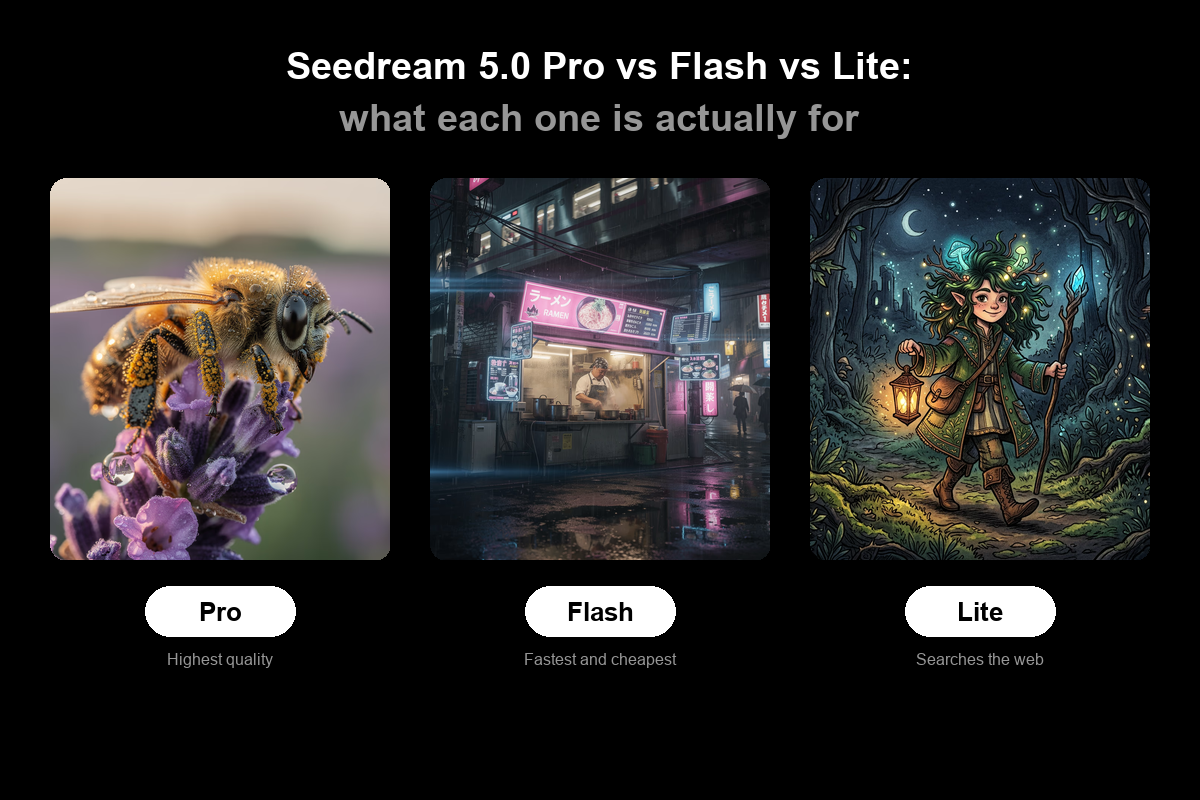
Seedream 5.0 is a model generation, not one model. BytePlus currently documents three versions: Lite (snapshot 260128, from January 2026), Pro (dola-seedream-5-0-pro-260628) and Flash (dola-seedream-5-0-flash-260915). Lite was the first of the three to arrive, and it still covers ground the newer Pro does not, namely higher resolution tiers and multi-image output.
BytePlus says Lite runs a reasoning pass before it draws, which helps it turn loose prompts into structured visuals such as diagrams, product layouts or explainer graphics (vendor-stated). Its basic usage matches earlier Seedream models: text-to-image, image-to-image from one or several references, and blending multiple images.
If you are wondering about the "Dola" prefix and how it relates to ByteDance's consumer app of the same name, our full review of the Pro version explains the naming. This Dola Seedream 5.0 Lite review focuses on what sets Lite apart and when to choose it. It draws on BytePlus documentation and published third-party data, and involves no hands-on testing.
Lite vs Pro vs Flash: Which Seedream 5.0 Model Fits
The three versions split along clear lines. Every row below is vendor-stated, taken from BytePlus documentation and pricing pages read October 21, 2026.
| Feature | Lite | Pro | Flash |
|---|---|---|---|
| Model ID | seedream-5-0-260128 | dola-seedream-5-0-pro-260628 | dola-seedream-5-0-flash-260915 |
| Resolution tiers | 2K, 3K, 4K | 1K, 1.5K, 2K | 1K, 1.5K, 2K |
| Batch image sets | Yes | Not yet | Not stated |
| Streaming output | Yes | Not yet | Not stated |
| Marker-based editing | No | Yes | Yes |
| Layer decomposition | No | Yes | Yes |
| Prompt optimization | Standard | Standard and fast | Standard |
| Requests per minute | 500 images | 500 images | 500 images |
| Pay-as-you-go price | $0.035 per image | $0.045 per image | See vendor |
In plain terms:
- Choose Lite for large prints, poster-size assets or sets of related images, where 4K output and batch generation matter more than pinpoint edits.
- Choose Pro when you need to edit a specific region with boxes or arrows, or want an image split into editable layers.
- Choose Flash when speed and cost matter most and you still want Pro-style editing features, since BytePlus pitches it as quicker and less costly than Pro.
 The same trade-off between a lighter and a heavier tier shows up in Google's lineup too, as our look at Google's two Nano Banana tiers describes.
Specs and Pricing for Dola Seedream 5.0 Lite
| Item | Dola Seedream 5.0 Lite |
|---|---|
| Model ID | seedream-5-0-260128 (alias seedream-5-0-lite-260128) |
| Tasks | Text-to-image, image-to-image, multi-image blending |
| Output | Single images or batch sets, with optional streaming |
| Resolution | 2K, 3K, 4K |
| Formats | PNG, JPEG |
| Request limit | Reference images plus generated images up to 15 |
| Price | $0.035 per output image, input images free |
Source: BytePlus documentation (vendor-stated, October 21, 2026).
For new customers, BytePlus also sells one-time packs valid for 30 days: 400 images for $6.99, 1,028 images for $24.99 and 2,000 images for $49.99. Only one pack can be bought per new customer, and unused images do not carry over. BytePlus also notes that the Seedream 5.0 model must be activated on ModelArk before use, and that any free quota on your account is used first (vendor-stated).
Doing the math ourselves from those list prices: the 400-image pack works out to about $0.017 per image, roughly half the pay-as-you-go rate, while the larger packs land near $0.024 to $0.025 per image. At standard rates, 1,000 images cost about $35 on Lite versus $45 on Pro, before any extra reference fees on Pro. OpenAI's newest image model takes a different pricing approach, covered in our GPT Image 2.5 article.
What Lite Does Well
Batch Image Sets and Streaming
Lite can return a group of related images from a single request, such as a product shown in several scenes or a series of matching social posts, and it can stream results as they finish instead of making you wait for the whole set (vendor-stated). Pro does not yet support either, which makes Lite the natural pick for campaign sets and catalogs. One limit to plan around: reference images and generated images together cannot exceed 15 per request (vendor-stated). By our own arithmetic, a request with 3 product photos as references leaves room for up to 12 outputs, while a pure text prompt can use the full 15.
 ### High-Resolution Output up to 4K
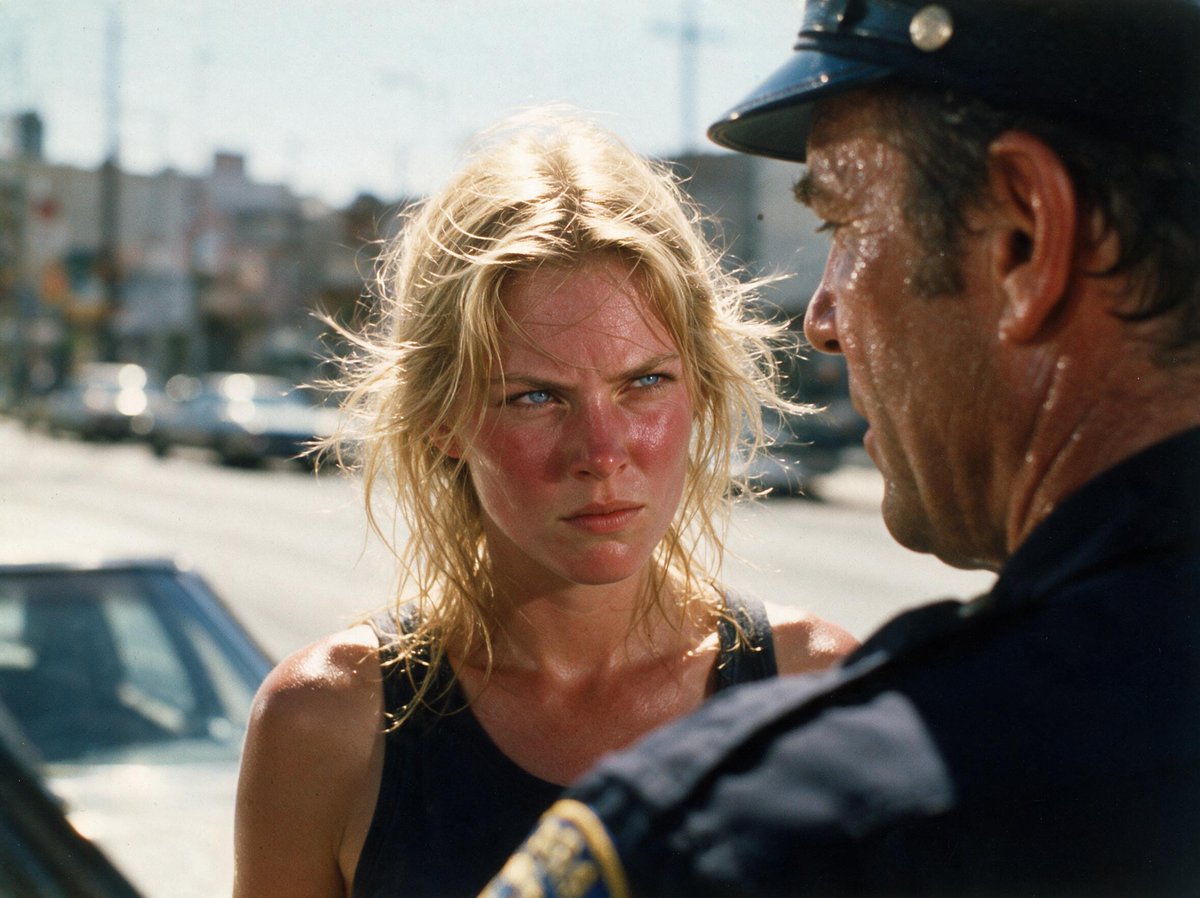
Lite's top tier is 4K, twice Pro's 2K ceiling on each side. For printed posters, packaging mockups or large displays, that extra resolution can save an upscaling step. It also leaves room to crop: a 4K render can be trimmed into several smaller formats for web, social and print without each version looking soft. Larger files take longer to generate and transfer, though, so 2K may still be the sensible default for screen-only work.
Structured Visuals From Loose Prompts
Because Lite reasons about layout before generating, BytePlus pitches it for turning rough descriptions or structured information into clear visuals, such as diagrams, scientific illustrations or slide graphics (vendor-stated). That suits presentation and education work where hierarchy matters more than photo realism. Combined with batch output, it means a single request could produce a matching set of slide illustrations in one style, rather than several separate generations that drift apart visually.
Strengths and Drawbacks of Lite
Pros: Dola Seedream 5.0 Lite
- Output up to 4K.
- Batch sets and streaming.
- Lowest listed per-image rate in the family.
Cons: Dola Seedream 5.0 Lite
- No marker editing or layers.
- Older January 2026 snapshot.
- Scores below Pro in third-party tests.
Who Should Choose Lite
From what BytePlus documents, Lite suits these groups best:
- E-commerce and marketing teams generating many variations of the same product or campaign.
- Presenters and educators turning outlines into slide visuals and diagrams.
- Print and packaging work that needs 3K or 4K files.
- High-volume pipelines where the $0.035 rate and streaming help keep costs and wait times down.
- Agencies running variant tests that need several on-brand options per brief, delivered together.
Teams that already rely on Pro do not have to pick one. A sensible split is to draft and iterate sets in Lite, then move the final image to Pro if one area needs a precise fix or the design needs layers. Since both share the same basic API usage, switching mostly means changing the model ID.
When the job is mainly correcting a single area of a picture, Pro is the better match, and if you need fast drafts with editing tools, look at Flash. Ahead of any switch, feed a few identical prompts to each version and weigh the outputs together. For another example of how a newer image release changes the trade-offs, see how Alibaba's Qwen Image moved from 2.0 to 3.0.
Generate Images With Dola Seedream 5.0 Lite in MyClaw
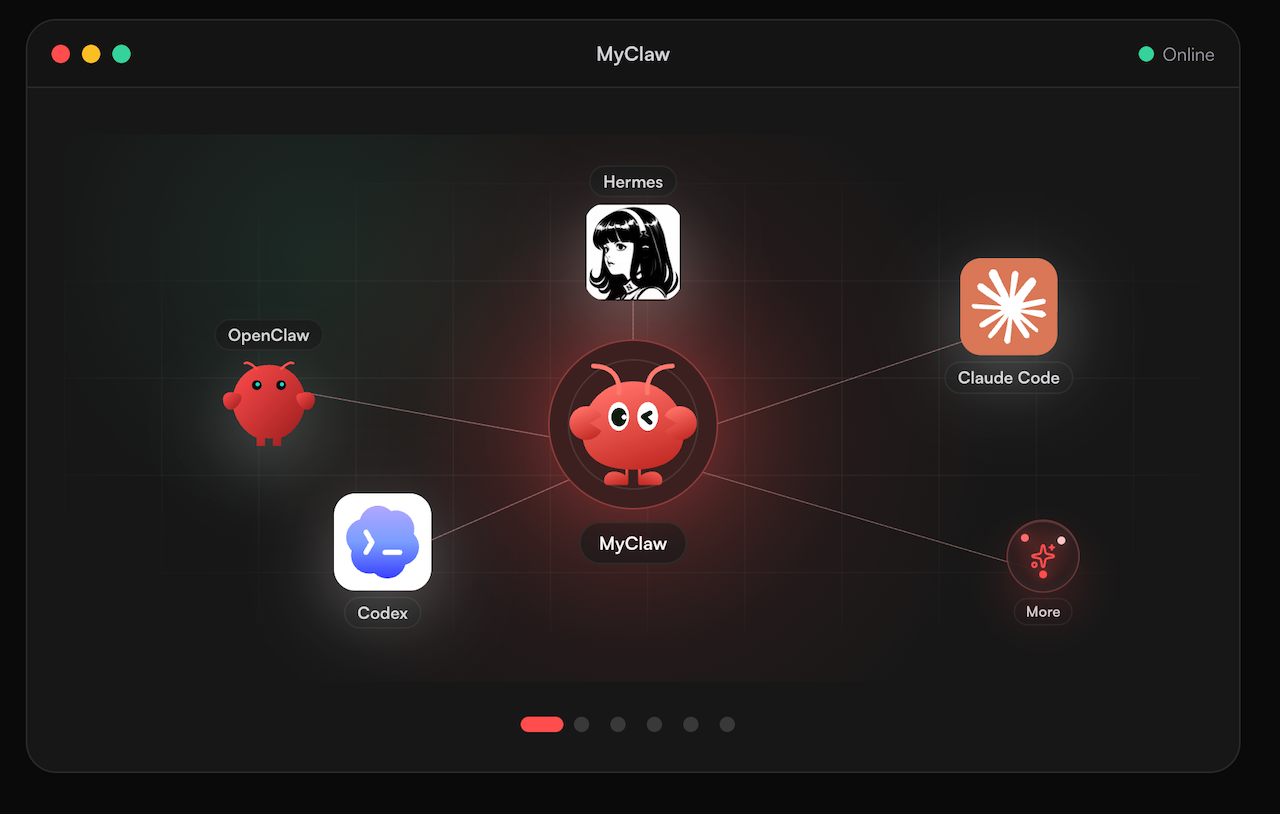 Prefer not to set up a BytePlus account? MyClaw lets you call Lite from a chat. The service runs a round-the-clock agent based on OpenClaw or Hermes, which you message from Telegram, WhatsApp, your inbox or a browser. As for models, the setup works with most popular models. Lite is among its image choices, so ordering a set of visuals takes one message. Curious how the agent works? Read our OpenClaw explainer or the Hermes agent overview.
- Make a MyClaw account to get an agent running.
- Pick Dola Seedream 5.0 Lite from the image model options.
- Describe the image or set you need, choose a resolution, and ask for tweaks until it fits.
Conclusion
In short, Dola Seedream 5.0 Lite earns its place in the Seedream 5.0 family through scale rather than precision: 4K output, batch sets, streaming and the lowest listed per-image price of the three. It gives up the marker editing and layer tools that define Pro, and third-party scores place it below Pro on quality. Pick Lite for high-volume or large-format work, Pro for careful edits and Flash for speed, and test each on your own prompts first.
Skip the Setup, Run Best-in-Class AI Agents Now
Launch a managed OpenClaw or Hermes Agent workspace in minutes, with always-on hosting, updates, and support handled by MyClaw.