Best AI Assistant for Personal Life: 5 Picks by Daily Task

By Olivia Hart
MyClaw Editorial
MyClaw
Run Best-in-Class AI Agents Now
Run OpenClaw or Hermes Agent on managed MyClaw hosting, so your AI agent stays online, updated, and ready for real work.
AI Takeaway
- What is the best AI assistant for personal life overall? For most people, ChatGPT, based on its published features. It handles planning and research, runs scheduled reminders and monitors, and paid plans add ChatGPT Work for tasks on websites (OpenAI help center, November 2026).
- Which pick suits Google account users? Gemini. With Personal Intelligence switched on, it can draw on Gmail, Calendar, Photos, and Maps, and Tasks in Gemini needs Google AI Pro or Ultra (Google support, November 2026).
- What about phones and homes? Siri AI is in beta on Apple Intelligence devices, and Alexa+ is included with Prime in the US or $19.99 per month without it (Apple and Amazon, November 2026).
- Do these assistants actually do things for you? Most of the time they advise and draft. Real actions depend on connected apps, signed-in sites, devices, and paid tiers, and the big ones ask before steps like payments.
- How can you run daily-life tasks on an always-on agent? MyClaw runs hosted OpenClaw and Hermes agents for jobs like a morning briefing, reminders, and page watching, reachable from email, Telegram, WhatsApp, or the browser.
Best AI Assistants for Personal Life at a Glance
The picks below focus on personal use, not office work, and are ordered by how many daily-life jobs each one's published features cover. Prices and features come from each company's own pages, read on November 7, 2026. For a wider roundup that also covers work tools, see this list of the best personal assistant AI.
| Assistant | Best for | Daily-life strengths | Takes actions? | What it needs | Entry price |
|---|---|---|---|---|---|
| ChatGPT | All-round daily help | Planning, research, reminders, restaurant tables | Yes, with Work and connected apps | Account; Plus or Pro for Work | Free; Plus $20/month |
| Gemini | Google account users | Email, calendar, photos, trip details | Yes, with Tasks on AI Pro or Ultra | Personal Google account | Free; AI Plus $4.99/month (US) |
| Siri AI | iPhone and Mac owners | Messages, reminders, calendar, notes | Yes, through Apple app actions (beta) | Apple Intelligence device | No separate price listed |
| Alexa+ | Households | Voice help across the home | Yes, on Alexa devices | Prime or a subscription for devices | Free with Prime (US) |
| Claude | Planning and personal research | Trip plans, comparisons, documents | Limited, through connectors | Account; Pro for scheduled tasks | Free; Pro $20/month |
How to Choose an AI Personal Assistant for Daily Life

Start with the accounts and devices already in your life. An assistant that can see your calendar, email, or phone apps can do more than one that only knows what you type.
Next, sort tasks into three kinds:
- Advice and drafts. Meal plans, packing lists, gift ideas, or a reply to a landlord. Every pick here does this, and nothing leaves the chat until you send it.
- Reminders and monitoring. "Remind me Sunday night" or "tell me if this price drops." This needs scheduled tasks, which some plans limit.
- Real actions. Booking a table, adding a calendar event, or filling out a form. This needs connected apps, signed-in websites, or devices, plus permission each time something important happens.
The gap between those three is the same gap explained in this guide to AI agent vs chatbot tools.
1. ChatGPT: Best All-Round Daily Assistant
Reminders and monitors. Scheduled tasks can send reminders, run recurring check-ins, and monitor for changes, such as "let me know when my package is delivered." According to the OpenAI help center, active task limits are 3 for Free and Go, 5 for Plus, and 15 for Pro. Free tasks run at most once a day in loose windows like morning or night, while paid plans allow hourly runs and exact times. The pricing page's comparison table still marks scheduled tasks as unavailable on Free, so check the app before counting on them. OpenAI retired Pulse in June 2026 and now suggests a scheduled daily briefing instead.
Restaurant bookings. OpenAI's release notes say ChatGPT can show open tables from OpenTable, Resy, and Yelp on all plans, and book one when you select a time. Resy is US only, and Yelp covers the US and Canada.
Actions on websites. On Plus and Pro, ChatGPT Work can sign in to some websites, with you entering the password, for tasks like booking a DMV appointment. It asks for confirmation before steps like reservations or payments.
Price. Plus costs $20 per month, billed monthly. Pro comes in $100, $200, and $500 monthly tiers and includes Dot, an always-on agent, which OpenAI says is rolling out gradually and excludes the EEA, Switzerland, and the UK at launch. For more on assistants that work inside a browser or desktop, see this guide to AI agents that control your computer.
2. Gemini: Best for Google Account Users

Personal Intelligence. When you connect Google apps, Gemini can make recommendations based on your preferences, build a tailored itinerary, and find things like photos from a past trip. Google says this needs a personal account, age 18 or over, and Keep Activity switched on, and it is rolling out gradually.
Tasks in Gemini. Tasks can run on a schedule or in response to an event. Google's own example is "when my flight is delayed, notify me and propose an update to my itinerary." This needs Google AI Pro or Ultra, an opt-in to Personal Intelligence, and a supported country and language.
Price. On Google's US subscription page, AI Plus is $4.99 per month, AI Pro $19.99, and Ultra $99.99 or $199.99 depending on usage, with Ultra billed monthly only. Prices vary by country, and Daily Brief is US only. Note that AI Plus does not include Tasks in Gemini. If the choice is down to these two, see ChatGPT vs Gemini.
3. Siri AI: Best for iPhone Owners

Apple's support page says Siri AI can understand personal context across Messages, Mail, Calendar, Notes, and Reminders, answer questions about what is on screen, and take app actions such as sending messages and creating events.
The limits matter. Siri AI is still in beta. It needs an Apple Intelligence device, such as iPhone 15 Pro or later or a Mac with M1 or later, with the device and Siri language set to the same supported language. Availability varies by region, and during high demand there may be a waitlist. Apple's setup page does not list a separate subscription price.
4. Alexa+: Best for Household Tasks
Alexa+ works on Alexa-enabled devices, on Alexa.com, and in the Alexa app. Amazon says it is designed to take action in the real world.
Price and access. In the US, Prime members get unlimited Alexa+ for the whole household at no extra cost. Without Prime, the full version costs $19.99 per month. A free, usage-limited text chat on Alexa.com and in the app covers quick answers and planning.
Outside the US. Many countries are in early access. Amazon says the UK price after early access will be £19.99 per month without Prime, and Japan's will be ¥3,000 per month for non-members.
5. Claude: Best for Planning and Personal Research

Claude suits tasks that need careful thinking or writing: a trip plan, a comparison of moving quotes, or a lease summary.
Scheduled tasks. Claude's help center says scheduled tasks are on paid plans only. They run remotely even when your computer is asleep, and they can use connected tools. They cannot use linked accounts in Claude's Personal Finance feature.
Price. Pro costs $20 per month, or $17 per month billed annually at $200 up front. Max costs $100 per month and Ultra $200 per month. Actions depend on the connectors you set up.
Claude has no phone or home assistant role like Siri or Alexa, so it pairs well with one of them. For more on strong research models, see this guide to the best free LLM for research.
Run Daily-Life Tasks on a Hosted Agent with MyClaw
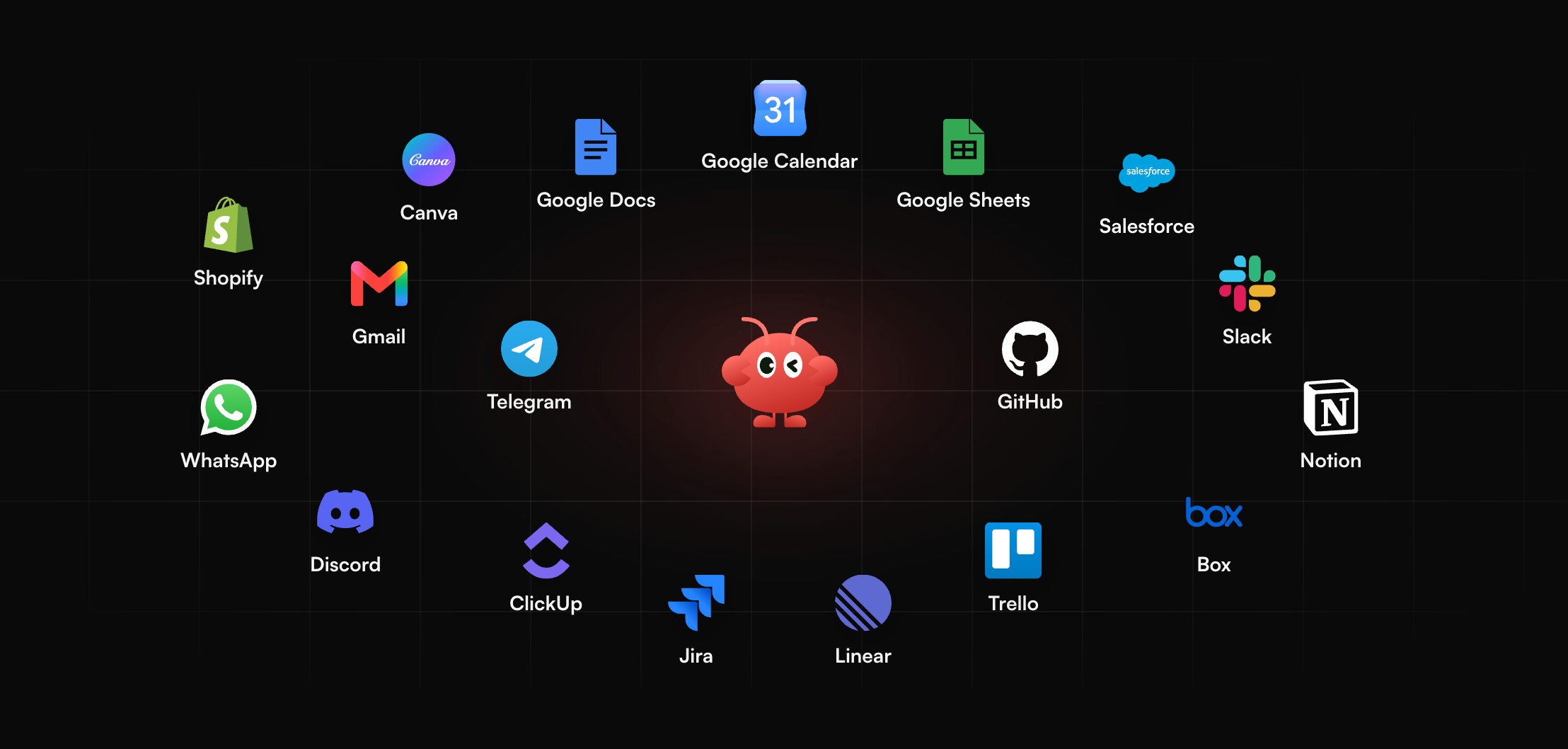
Some daily jobs need an assistant that keeps working after the chat closes. MyClaw runs hosted OpenClaw and Hermes agents that stay online, and popular models are free to use.
The agent can be reached from email, Telegram, WhatsApp, or the browser. Set a goal once and it runs on a schedule, asking only when a review is needed. That fits daily-life jobs like:
- A morning briefing with the weather, the day's plans, and anything that needs a reply
- Reminders for appointments, renewals, or chores
- Watching a page for a price change or a new listing
A simple setup:
- Start a hosted agent. Pick OpenClaw or Hermes on MyClaw.
- Describe the job. Explain what to check, when, and where to send results.
- Set the schedule. Choose daily, weekly, or a one-time run.
For more on one of the agent frameworks behind it, see this overview of the Hermes agent.
Conclusion
The best AI assistant for personal life depends on where your life already happens. On published features, ChatGPT covers the most ground for planning, reminders, and bookings. Gemini fits Google accounts, Siri AI fits iPhones, Alexa+ fits shared homes, and Claude fits careful planning and research. Before paying, check which tasks need a paid plan, a connected app, or a specific device.
Skip the Setup, Run Best-in-Class AI Agents Now
Launch a managed OpenClaw or Hermes Agent workspace in minutes, with always-on hosting, updates, and support handled by MyClaw.