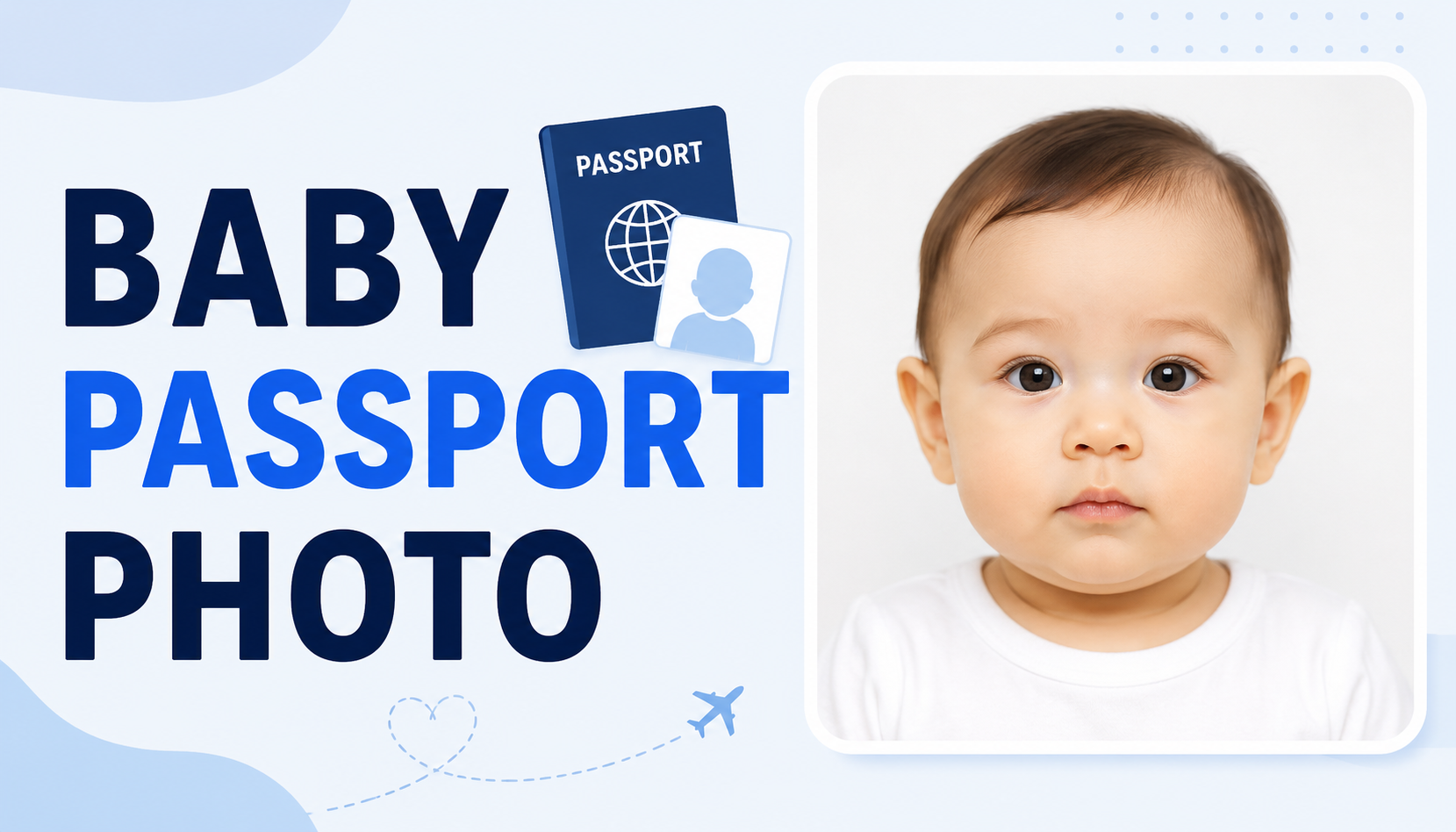
Baby Passport Photo Requirements, Examples, Where to Take It, and App Guide

By Emma Reed
MyClaw Editorial
Baby Passport Photo Maker
Preview a Clean Baby Passport Photo
Add a clear reference, test the framing with a guided preset, then compare the preview with the official requirements.
Create a Passport-Style PreviewAI Takeaway
- Which rules apply? Use the current rules of the country issuing the passport. Photo size, printing, editing, and infant exceptions are not universal.
- Can you take the photo at home? Often yes for a U.S. passport, provided the result complies. Canada requires a commercial photographer or studio.
- What does a passing photo usually show? The baby appears alone with a clear, unobstructed face, even light, sharp focus, and an approved plain background.
- Should you use a baby passport photo app? Only when its processing is permitted. For U.S., UK, and Canadian applications, use a generative app as a visual guide—not as the submission file—because altered photos are rejected.
Baby Passport Photo Requirements Depend on the Issuing Country
Check the issuing authority before taking or processing the photo because size, capture, and editing rules vary. U.S. and Canadian photos generally must be taken within six months; UK passport photos must be taken within one month. When an original, unedited photo is required, generated images and replaced backgrounds are unacceptable.
| Country | Size and capture | Baby exception | Editing rule |
|---|---|---|---|
| United States | Printed photo: 2 × 2 inches (51 × 51 mm); head: 1–1.4 inches (25–35 mm) | An infant's eyes need not be entirely open | No changes using software, phone apps, filters, or AI |
| United Kingdom | Digital: at least 600 × 750 pixels and 50KB–10MB; printed: 35 × 45 mm | Under 1: eyes need not be open; under 6: direct gaze and plain expression are not required | No software alteration, effects, filters, or “corrections” |
| Canada | 50 × 70 mm; commercial photographer or studio; professional print | Newborns may show a range of expressions | No technical corrections, cropping around the head, background changes, filters, or AI edits |
United States Baby Passport Photo Requirements
The baby must appear alone, face the camera, and have the full face visible against a white or off-white background. An infant's eyes need not be entirely open, but a visible hand, pacifier, covered face, blur, or exaggerated expression may cause rejection. Submit the original without AI changes, filters, or background replacement.
An acceptance facility, photo business, friend, or family member may take the photo. Home capture is allowed, but the finished standard remains the same.

UK Rules for Babies and Young Children
Babies under one do not need open eyes, while children under six need not look directly at the camera or keep a plain expression. The child must still appear alone with a visible face, balanced light, and a plain light background. For a digital application, include the head, shoulders, and upper body; the service handles cropping.
Canada and Other Countries: Do Not Assume the U.S. Rules Apply
Canada requires a commercial photographer or studio and professional prints. Brightness or sharpness adjustments, background removal, and cropping around the head may cause rejection. The photographer must add the studio details and date to one print, which a guarantor must certify.
Elsewhere, confirm official dimensions, age exceptions, capture method, digital-file rules, and any photographer certification.
Baby Passport Photo Examples: What Passes and What Fails
Useful examples show why an image works; one pose does not suit every application.
| Check | More likely to pass | More likely to fail |
|---|---|---|
| Face | Full face visible and directed toward the camera | Head turned, hand over the face, pacifier in the mouth |
| Other people | Baby appears alone | Parent, sibling, or supporting hand is visible |
| Background | Plain color permitted by the issuing authority | Patterned blanket, car-seat details, objects, or signs of digital replacement |
| Light and focus | Even exposure, natural skin tone, sharp eyes and facial detail | Heavy shadow, glare, red eye, blur, grain, or obvious pixels |
| Expression | Natural expression within the country's age exception | Exaggerated expression when the rules require neutral features |
| Processing | Original appearance and permitted crop | Beauty filter, reshaped features, stretched image, or prohibited AI edit |
If the photo is close but a finger, toy, or shadow remains, retaking it is safer than trying to reconstruct the missing area digitally.
How to Take a Baby Passport Photo at Home
Only use an at-home method if the issuing country allows it.
Set Up a Safe, Plain Background
Place the baby on their back on a clean sheet over a firm, flat, supervised surface, or cover a car seat if permitted. Remove patterns, toys, visible straps, and other objects. Keep the camera directly above and parallel to the face; never leave the baby unattended.
Use soft frontal light. Avoid direct flash and overhead light that creates facial or background shadows.
Time the Shot and Keep the Face Clear
Try after a feed or nap. A second adult can attract attention from behind the camera without entering the frame. Take a burst, then choose the sharpest, straightest image. Keep all head support invisible.
Crop and Print Without Prohibited Editing
Keep the original and work from a copy. Follow the exact head size, margins, resolution, and paper rules. A permitted crop does not permit retouching skin, opening eyes, removing a hand, replacing the background, or reshaping the face.
The MyClaw Passport Photo Maker can help you visualize a clean, centered passport-style composition. It generates a new image rather than merely measuring a crop, so treat it as a preview or use it only for a document type that explicitly permits this processing—not as a way around an unedited-photo rule.

Where to Take a Baby Passport Photo
At Home
Home allows repeated attempts around naps and feeding. It can suit a U.S. or UK application when the official process permits it, but you remain responsible for composition, quality, and printing.
Passport Acceptance Facility or Photo Retailer
An acceptance facility or retailer can combine capture and printing, but not every location handles newborns. Ask about infant experience, positioning, reshoots, and the required output before visiting.
Commercial Photographer or Photo Studio
A commercial studio is required in Canada and is often safest for strict rules or difficult positioning. Choose a photographer who understands the destination-country rules rather than accepting a generic “passport-size” print.
Should You Use a Baby Passport Photo App?
Some passport photo apps only measure and crop an original; others generate a new portrait and background. Identify which type you are using: generation creates greater identity and compliance risk.
MyClaw AI Chat generates images from prompts and references. Its passport workflow offers three presets, editable instructions, a photorealistic square format, model and resolution controls, and downloadable results. Use it to test framing or create a visual reference; prepare a submission image only when the document rules permit AI processing.
How to Use the MyClaw Passport Photo Maker
- Choose a direction. Select Natural white-background ID, Visa-size white-background photo, or Universal 2x2 ID photo. Adjust the prompt for the baby's age and permitted expression.
- Add the reference. Sign in, upload a clear front-facing photo, request natural features without beautification, then choose a model and resolution. The GPT Image 2 guide explains reference-based generation and prompt constraints.
- Generate and compare. Check the result against the original for invented details. Download it as a visual reference, or use it only when AI processing is permitted; otherwise submit an original through an approved route.
What the Tool Can and Cannot Promise
The MyClaw Passport Photo Maker creates a centered, white-background, 1:1 starting point with an editable prompt. Standard, 2K, and 4K controls appear where the model supports them. Guests can try limited generation; sign-in is required to upload a reference and keep the conversation. AI Chat plans provide different usage allowances.
A square image described as “2x2-inch-compatible” is not automatically a physical 2 × 2-inch, 600-DPI print. The tool cannot certify compliance, guarantee government acceptance, interpret every country's latest rule, or promise perfect preservation of biometric detail.
Check Privacy Before Uploading a Baby's Photo
MyClaw is intended for adults, so a parent or guardian—not the child—should control the account and upload. Before sending a child's identity image, review the MyClaw Privacy Policy and Terms of Service for data handling, retention, children's privacy, third-party providers, and responsibility for AI output.
Upload only the necessary image, avoid frames containing other people or location clues, and choose an offline or professional workflow if you are not comfortable processing a baby's identity photo online.
Final Check Before You Submit
Before submission, return to the official authority—not an app score—and check the photo's date, dimensions, head size, background, lighting, focus, face visibility, expression, objects, editing, and print or file format. If you tested a generated version, compare it with the original for changed or invented details.
If one requirement remains uncertain—or the country requires an unedited commercial photo—retake the image or use an experienced studio. A clean second attempt costs less time than a rejected passport application.
Ready to Preview Your Baby's Passport Photo?
Create a clean passport-style preview, compare it with the original, and verify every requirement before use.
Create a Passport-Style Preview