AnythingLLM Review (2026): Features, Pricing, Pros & Cons

By Julian Brooks
MyClaw Editorial
MyClaw
Run Best-in-Class AI Agents Now
Run OpenClaw or Hermes Agent on managed MyClaw hosting, so your AI agent stays online, updated, and ready for real work.
AI Takeaway
- Is AnythingLLM worth using? It is a strong option to try for document Q&A and local AI if you want control over models and are willing to configure retrieval.
- Is AnythingLLM free? Core Desktop use and self-hosted Docker are free. Desktop Pro adds paid extras. Hosted Cloud lists Basic at $50/month and Pro at $99/month; budget for model usage separately.
- Is it private? Local processing is possible. Cloud models, remote embedding services, and connected tools can send information outside your machine.
- What is the biggest tradeoff? Flexibility comes with configuration work. Useful answers depend on document extraction, retrieval, and the model you choose.
- When does MyClaw make sense? Consider it for a managed, always-on OpenClaw workflow that turns approved sources into recurring briefings and follow-up work. It is a separate hosted-agent option.
What Is AnythingLLM?
AnythingLLM is an AI application from Mintplex Labs for chatting with documents, connecting models, and running agents. It is available as a desktop app, a self-hosted Docker deployment, and a managed Cloud service.
The chat model writes answers. An embedding model makes document text searchable, while a vector database stores that searchable representation. Importing files supplies reference material; it does not train the underlying language model.
That explains the AnythingLLM vs Ollama distinction: AnythingLLM provides the application and document workspace, while Ollama runs models. You can connect them rather than choose between them.
This review assesses current first-party documentation. It does not include hands-on performance or accuracy measurements.
AnythingLLM Features: What You Actually Get
Document Chat and Workspace RAG
Attach a short document when you want its full text available in a chat, provided it fits the model's context window. That attachment belongs to the thread. Embed documents into a workspace when you want to reuse them across conversations.
Workspace RAG retrieves selected passages instead of sending the whole library to the model. That makes a larger collection manageable, but a relevant passage can be missed. A broad request such as “compare every policy exception” needs closer checking than a targeted question about one clause.
Retrieval settings and reranking give you ways to investigate poor matches. In multi-user mode, embedded documents are available to users with access to that workspace, so organize sensitive material accordingly.
Local Models and Provider Choice
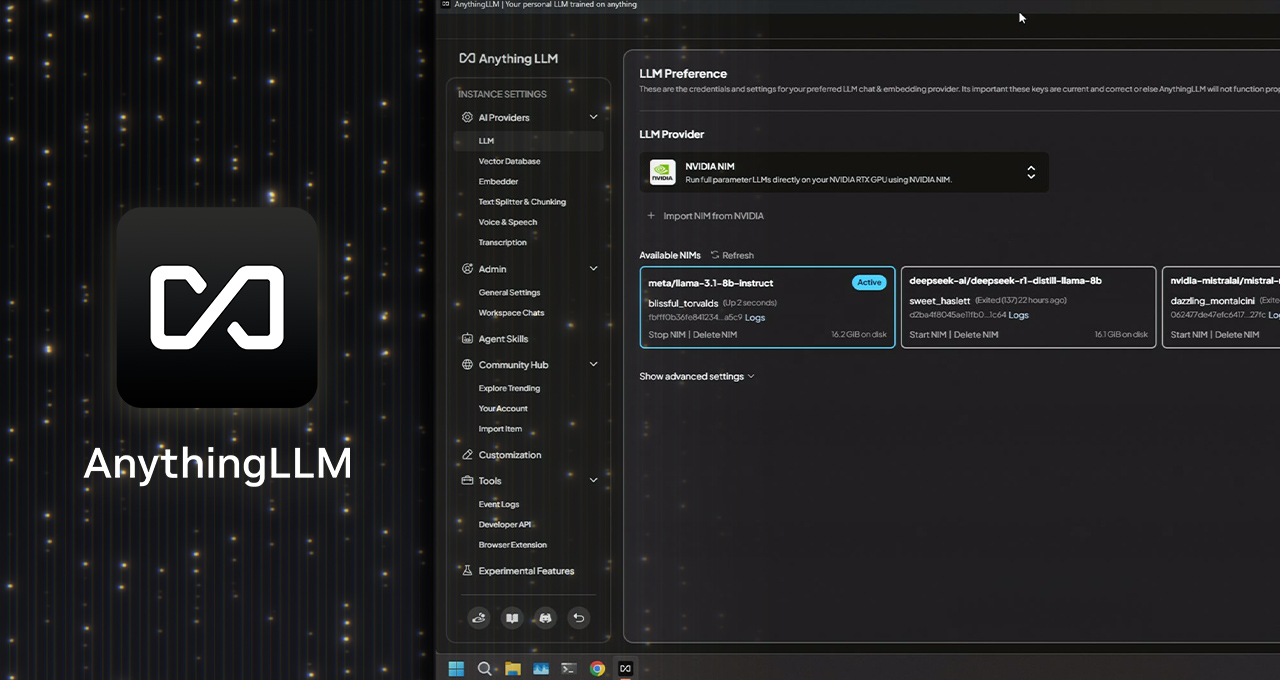
Desktop can run local models or connect to supported remote providers. In October 2026, AnythingLLM announced that its bundled engine was moving to llama.cpp managed by Lemonade. Connecting a separate Ollama installation remains supported.
The practical constraint is your hardware. Model size, RAM, and acceleration determine which local setup is usable. Start with a model your machine can run comfortably, then judge it on your documents. For occasional questions, a slower local model may be acceptable; an interactive team workflow needs a different performance threshold.
Agents and Scheduled Work
Agents add tools and workflows beyond document Q&A. Scheduled Jobs can run recurring tasks and retain results for review, but current documentation limits them to single-user mode. Do not assume that a shared deployment includes the same scheduling experience.
As with OpenClaw, useful agent behavior depends on the connected tools and permissions as well as the model. Check the complete task you want to automate.
Meeting assistance and system-wide Magic tools extend the desktop offering. Confirm feature availability on your platform before treating them as part of your buying decision.
AnythingLLM Pricing: Desktop, Pro, Docker, and Cloud
The important distinction is between free software, optional desktop extras, and paid hosting. Published prices below were checked on November 4, 2026.
| Option | Published cost | Who runs it? | Additional consideration |
|---|---|---|---|
| Desktop core | Free | You | Hardware and any paid model connections |
| Desktop Pro | Paid subscription | You | Confirm the current subscription price |
| Self-hosted Docker | Free software | You | Server, maintenance, and model usage |
| Cloud Basic | $50/month | AnythingLLM | Bring your own LLM API key |
| Cloud Pro | $99/month | AnythingLLM | Higher-performance hosting; confirm model charges |
| Enterprise | Custom quote | Depends on agreement | Deployment, integrations, and support |
Desktop Pro removes daily limits on Magic features and adds watermark-free generated documents. It is a different product tier from Cloud Pro. The reviewed Desktop Pro overview did not list a subscription price.
For personal document chat, start with the free core. Pay for desktop extras when you need those features, or hosting when you need someone else to operate the instance. Neither decision eliminates the need to understand model costs.
Is AnythingLLM Private? Follow the Data Path
AnythingLLM can support local document work, but “installed on my laptop” is not a complete privacy check. Review four destinations: the chat model, embedding service, vector database, and connected tools.
A cloud model may receive the text needed to answer your question. A remote embedder may process document content even when the chat model runs locally. Configure both before importing sensitive files.
AnythingLLM also documents anonymous telemetry and a setting to disable it. Treat telemetry preferences separately from the services you choose for processing content.
Document deletion needs attention, too. Removing a file from a workspace deletes that workspace's vectors but leaves the document in My Documents. Deleting it from My Documents removes its parsed source, cached embeddings, and workspace associations. Check backups and external services separately.
For tools that can write or send information, use narrow access and review consequential actions. These AI agent security practices matter regardless of where inference runs.
AnythingLLM Pros and Cons: What to Check Before Committing
The main advantages: document chat, model choice, and agent tools live in one application. Desktop offers a low-cost starting point, while Docker gives technical users a path to operating a shared instance.
The main limitations: you still own configuration decisions. Local models need suitable hardware, retrieval can miss evidence, and self-hosting brings updates, backups, access management, and availability work.
Before migrating a library, test a small sample that reflects your workload:
- Known-answer question: “What is the cancellation notice period? Quote the supporting passage.” Check the answer against the original.
- Cross-document question: “What changed between these two policies?” Inspect whether the answer uses both versions.
- Missing-answer question: Ask about something absent from the files. Look for a clear acknowledgment of missing evidence.
- Difficult-format check: Include scans or dense tables if you use them regularly. Inspect extracted text before evaluating the answer.
When something fails, separate the stages: was the text extracted correctly, was the right passage retrieved, and did the model interpret it correctly? Change one variable at a time. That gives you a better basis for choosing a setup than a single impressive response.
Who Should Use AnythingLLM?
Choose Desktop for personal document work when local processing and model choice matter. Consider Docker when you can operate a shared instance, or Cloud when you want the AnythingLLM workspace without maintaining its infrastructure. Check access controls and mode-specific features before moving a team.
If you need a turnkey workflow, use the trial to judge whether setup and maintenance are manageable. Limited hardware or documents that extract poorly deserve particular attention before commitment.
For recurring work, evaluate AnythingLLM's own tools and scheduling first. If you prefer OpenClaw's channels, skills, and workflow instead, compare managed vs self-hosted OpenClaw. Choose the runtime that fits the job before choosing who hosts it.
Run Recurring Document Briefings with MyClaw
A document question may grow into a weekly job: gather approved reports, summarize changes, draft an update, and return it through a connected channel. At that point, source access, scheduling, and ongoing operation become part of the decision.
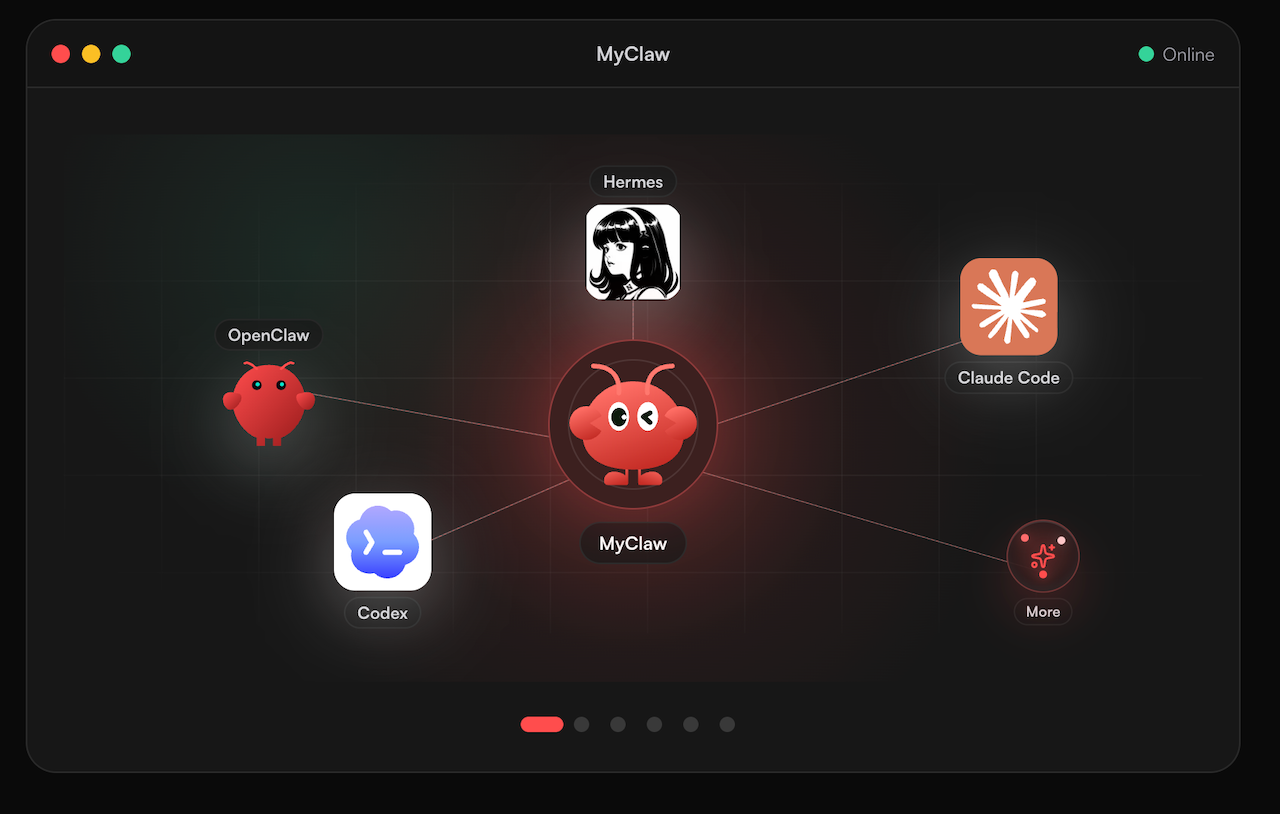
MyClaw offers managed OpenClaw hosting with a private, always-on instance, updates, and daily backups. It suits an OpenClaw workflow when you want the agent running without maintaining its server. AnythingLLM also has agents and scheduling; compare the workflow and operating burden rather than treating automation as exclusive to either product.
- Launch your briefing workspace. Choose an OpenClaw instance for one recurring task. Define a useful output, such as a weekly report with source references and unresolved questions.
- Connect the approved sources. Add only the files and apps needed. Configure the Summarize skill where helpful, checking its provider and extraction requirements.
- Review a run, then set the schedule. Confirm the sources, summary, delivery channel, and actions requiring approval. Schedule the job once the trial produces a result you can use.
Treat this as a separate cloud-hosted workspace. Assess migration needs and document handling before moving a library, particularly if local-only processing is a requirement.
Verdict: Start with Your Actual Documents
Try AnythingLLM Desktop on a representative sample before paying for hosting or migrating your library. Keep it if source accuracy, privacy, and configuration effort meet your needs. For a separate OpenClaw workflow, compare the current MyClaw hosting plans and model-usage costs against the work of running it yourself.
Skip the Setup, Run Best-in-Class AI Agents Now
Launch a managed OpenClaw or Hermes Agent workspace in minutes, with always-on hosting, updates, and support handled by MyClaw.