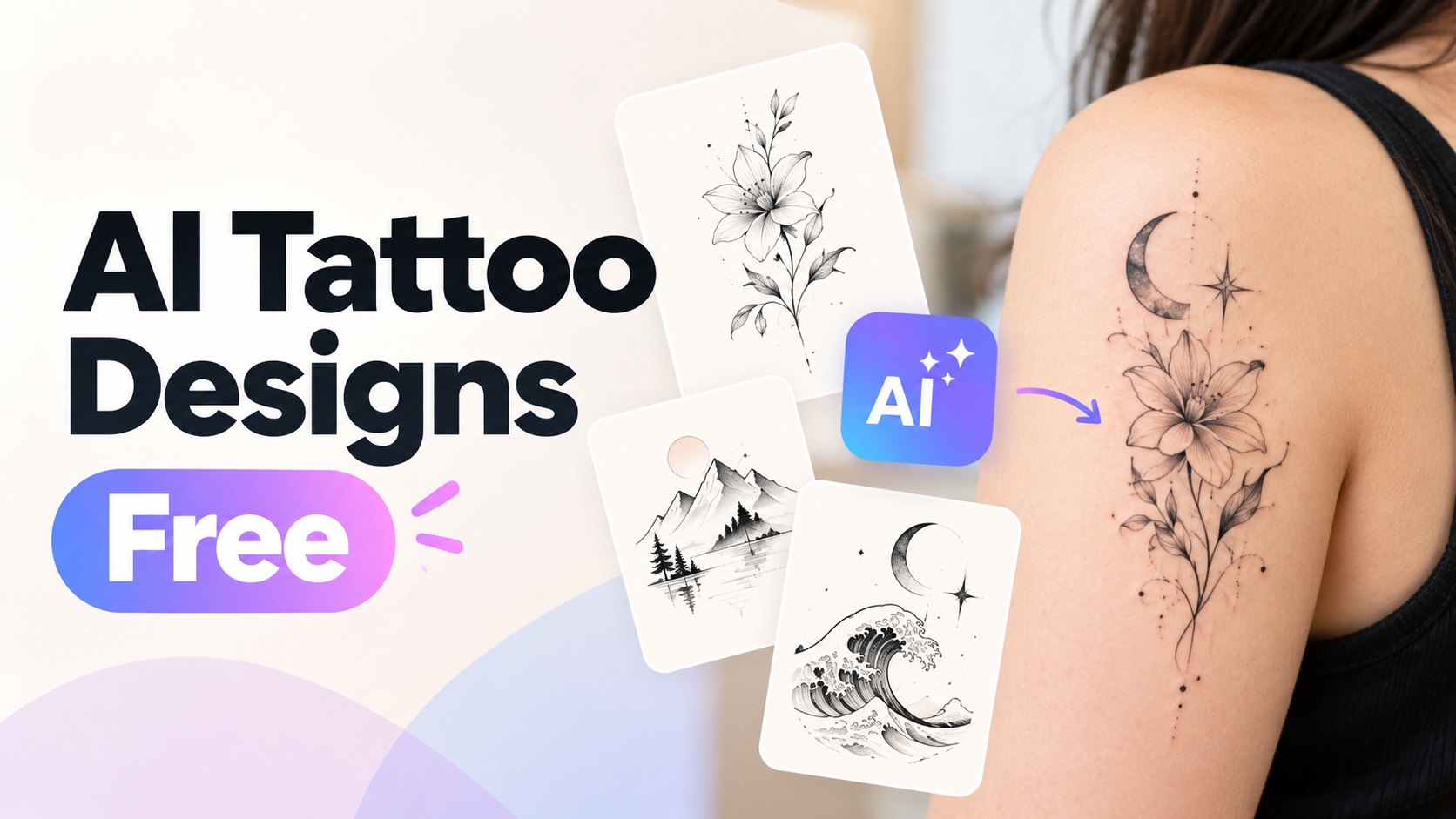
AI Tattoo Designs Free: 5 Free AI Tattoo Designers Compared

By Nathan Cole
MyClaw Editorial
MyClaw
Run Best-in-Class AI Agents Now
Run OpenClaw or Hermes Agent on managed MyClaw hosting, so your AI agent stays online, updated, and ready for real work.
AI Takeaway
- Which free AI tattoo designers are worth trying first? MyClaw's Tattoo Generator for free tries and model choice, then the Gemini app, where Nano Banana 2 costs nothing (vendor pages, October 26, 2026).
- What does "free" actually mean for these tools? Each caps you differently: Gemini resets every 5 hours, Firefly gives daily generations, Canva allows 20 Premium AI uses monthly (vendor pages, Oct 2026).
- Which free tool is best for lettering tattoos? Canva, because typed lettering stays spelled exactly right, unlike AI-drawn script (Canva pricing page, Oct 2026).
- Is a free AI tattoo design ready to use as a stencil? No, each tool exports a concept image, and your tattoo artist still redraws the stencil for skin (vendor pages, Oct 2026).
- Where can you design a tattoo free with your own choice of model? MyClaw's Tattoo Generator is free to start, and MyClaw Chat lets you choose between Nano Banana Pro and 2.1 yourself (MyClaw Tattoo Generator page, October 2026).
Free AI Tattoo Designer Comparison: Limits at a Glance
Every free AI tattoo designer caps you differently. Some reset daily, some monthly, and one lists no cap. All figures are from vendor pages, checked October 26, 2026.
| Tool | Free limit (vendor page, Oct 2026) | Account needed | Best free use | Main limit |
|---|---|---|---|---|
| MyClaw Tattoo Generator | Free to start with free tries | Sign-in for uploads | Presets plus your choice of model | Free tries are limited |
| Gemini app (Nano Banana 2) | Free; limits refresh every 5 hours until a weekly ceiling | Google account | Photo-based edits | 1K downloads without a Google AI plan |
| Adobe Firefly | Limited daily generations; count not published | Adobe account | Clean linework | Daily cap is unstated |
| Canva Magic Media | Up to 200 Standard or 20 Premium AI uses a month | Canva account | Lettering and flash sheets | Shared allowance across all AI tools |
| Perchance AI Tattoo Generator | Listed as free, no sign-up, no limits | None | Unlimited rough drafts | Less control over detail |
Mostly using Gemini models? Our Gemini AI tattoo generator guide shows when Nano Banana 2 is enough and when Pro is worth it.
5 Free AI Tattoo Designers, Ranked
We ranked each tool on three things: free allowance, line quality, and ease of refining one design.
1. MyClaw Tattoo Generator
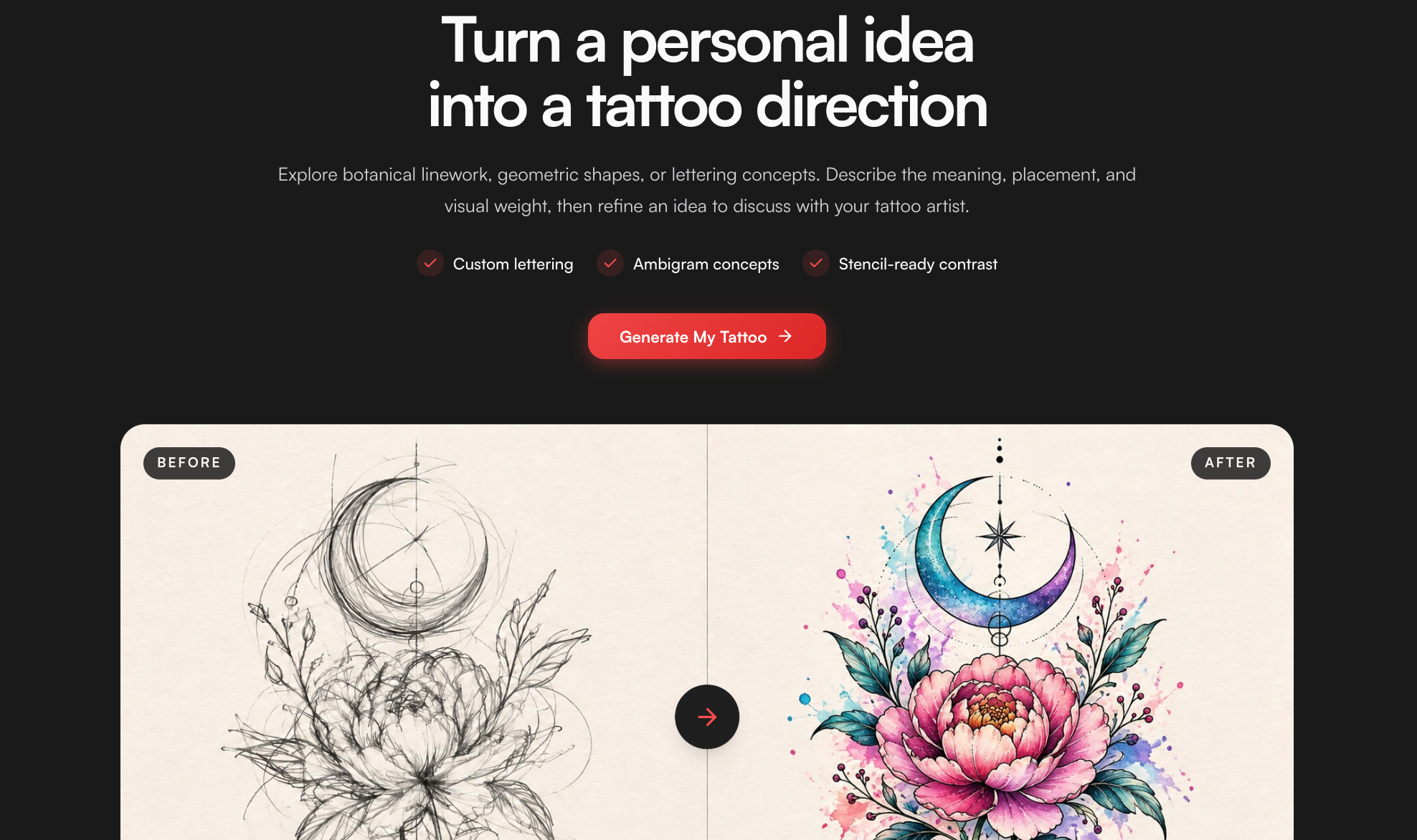
Best for: free tries with tattoo presets and a model you choose yourself.
- Free limit: free to start, with limited free tries.
- Model choice: pick Nano Banana 2.1 for fast drafts or Nano Banana Pro for detailed lettering.
- Watch out: uploading a reference photo needs a sign-in.
The MyClaw Tattoo Generator is built for tattoos. Pick a style or font preset, describe your idea, and get flat tattoo art. Spend your free tries on your best idea.
2. Gemini App
Best for: free photo-to-tattoo edits refined in conversation.
- Free limit: Nano Banana 2 is free; limits refresh every 5 hours (Gemini help center, October 26, 2026).
- Watch out: free downloads are 1K. Fine for an artist consult, not for print.
Gemini keeps the subject of an uploaded photo recognizable. That matters for pet portraits and memorial pieces. For the photo-first route, read the convert photo to tattoo guide.
3. Adobe Firefly

Best for: free daily linework and minimalist designs.
- Free limit: daily generations on a free Adobe login; Adobe publishes no number (Adobe Firefly tattoo page, Oct 2026).
- Watch out: the daily cap is unstated, so plan in small batches.
Firefly takes a text prompt or a reference image. Remixing a favorite output is quick.
4. Canva

Best for: free lettering, dates and flash sheets.
- Free limit: up to 200 Standard or 20 Premium AI uses a month, pooled and reset monthly (Canva pricing page, Oct 2026).
- Watch out: Premium is the default tier, so plan around 20.
Canva's strength is its editor. Type the lettering yourself, then use AI only for the art around it. Typed text never misspells. For words that read both ways, see our ambigram tattoo generator walkthrough.
5. Perchance
Best for: unlimited free brainstorming with no sign-up.
- Free limit: Perchance's own tattoo page says free, no sign-up, no limits (perchance.org, checked Oct 26, 2026).
- Watch out: looser detail and uneven line weight.
Use it to test many motifs fast. Then move the winner to a stronger tool to refine it.
How to Get an AI Tattoo Design Free in 4 Steps
These steps work with any tool in the table.
1. Write a short brief. Name the subject, style, placement, size, and black-and-grey or color. The custom tattoo design guide lists the fields artists ask for.
2. Request flat art on white. Use "flat tattoo flash" or "line art on white." Skip skin mockups. They hide weak lines.
3. Change one setting per round. Keep the prompt fixed. Adjust only style, line weight, or composition. You save free credits and see what each change does.
4. Test at real size. Shrink the image to its body size and view it from arm's length. If details blur, simplify. No subject yet? Our random tattoo ideas guide helps you choose.
Free AI Tattoo Design Prompts That Work
Paste these into any tattoo designer AI free tool. Replace the bracketed parts. Keep "on a clean white background" so the output stays usable.
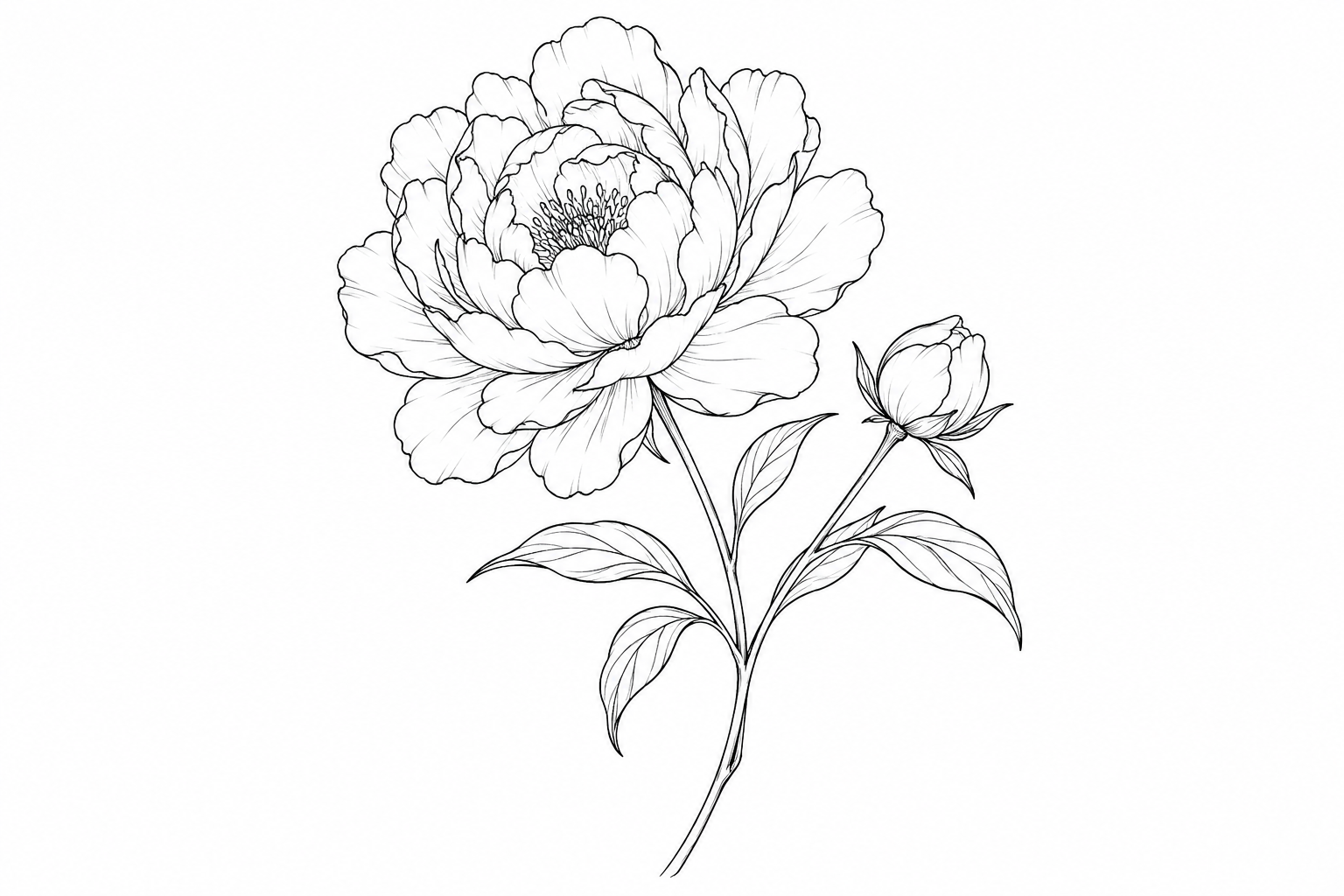
Fine line:
Fine line tattoo design of [a single peony with one bud], thin even black lines, minimal shading, lots of negative space, flat flash art on a clean white background.
Blackwork:
Bold blackwork tattoo of [a raven with open wings], solid black fills, high contrast, clean edges, no gradients, flat design on a clean white background.
American traditional:
American traditional tattoo flash of [a swallow holding a banner that reads "NAME"], thick black outlines, limited palette of red, yellow and green, flat on a clean white background.
Script:
Elegant cursive script tattoo of the word "[NAME]", single line weight, generous letter spacing, readable at 5 cm wide, black on a clean white background.
Botanical:
Botanical tattoo of [a fern sprig] growing vertically for a forearm, delicate stippled shading, balanced leaves, flat line art on a clean white background.
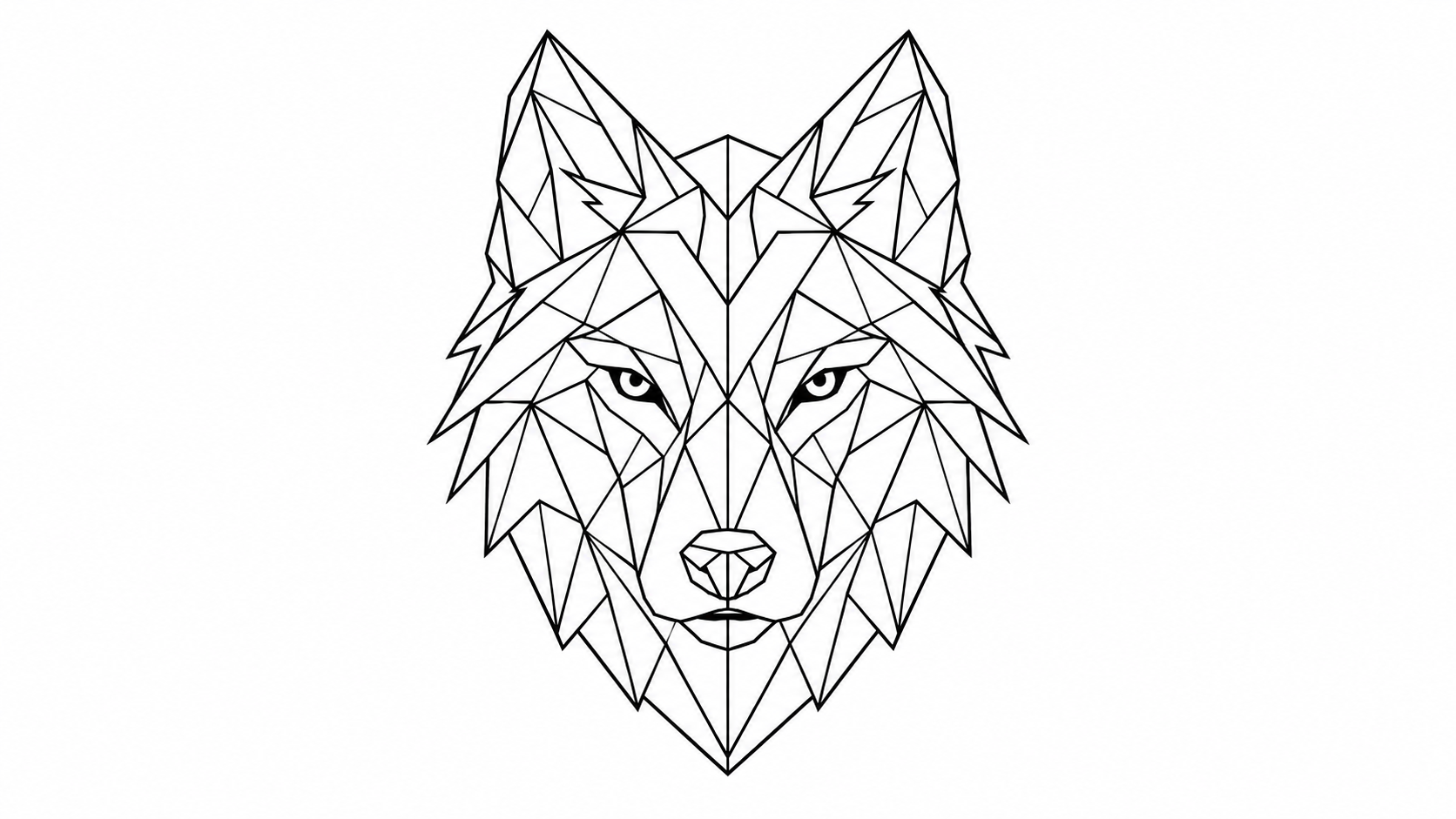
Geometric:
Geometric tattoo of [a wolf head] made from clean triangles and straight lines, symmetrical, black linework only, flat design on a clean white background.
Want to draw it yourself? The Procreate tattoo design app guide shows how to trace an AI concept on its own layer.
Stretch Your Free AI Tattoo Design Credits
Free tiers run out fast. These habits make each try count.
- Draft wide, refine narrow: brainstorm in Perchance, which lists no limits, then spend MyClaw or Gemini tries on one chosen idea.
- Reuse one prompt: save your best prompt and edit only the subject. You get consistent results with fewer retries.
- Edit, don't restart: ask the tool to fix one detail instead of generating from scratch.
- Track resets: Gemini refreshes every 5 hours and Canva monthly (vendor pages, Oct 2026). Time big sessions after a reset.
Make Free AI Tattoo Designs Stencil-Ready
Treat any free AI design as a draft, never a stencil. Clean it up before the studio.
- Line weight: keep one main weight. Remove hairline strokes; they blur as tattoos heal.
- Negative space: leave clear gaps. Crowded detail turns into a dark patch on skin.
- Shrink test: view it at final size. Cut anything you cannot read.
- Lettering: read every letter aloud. AI still swaps letters, so retype script in an editor.
- Artist handoff: bring two or three favorites, not twenty. The artist redraws lines, fits your anatomy, and makes the stencil.
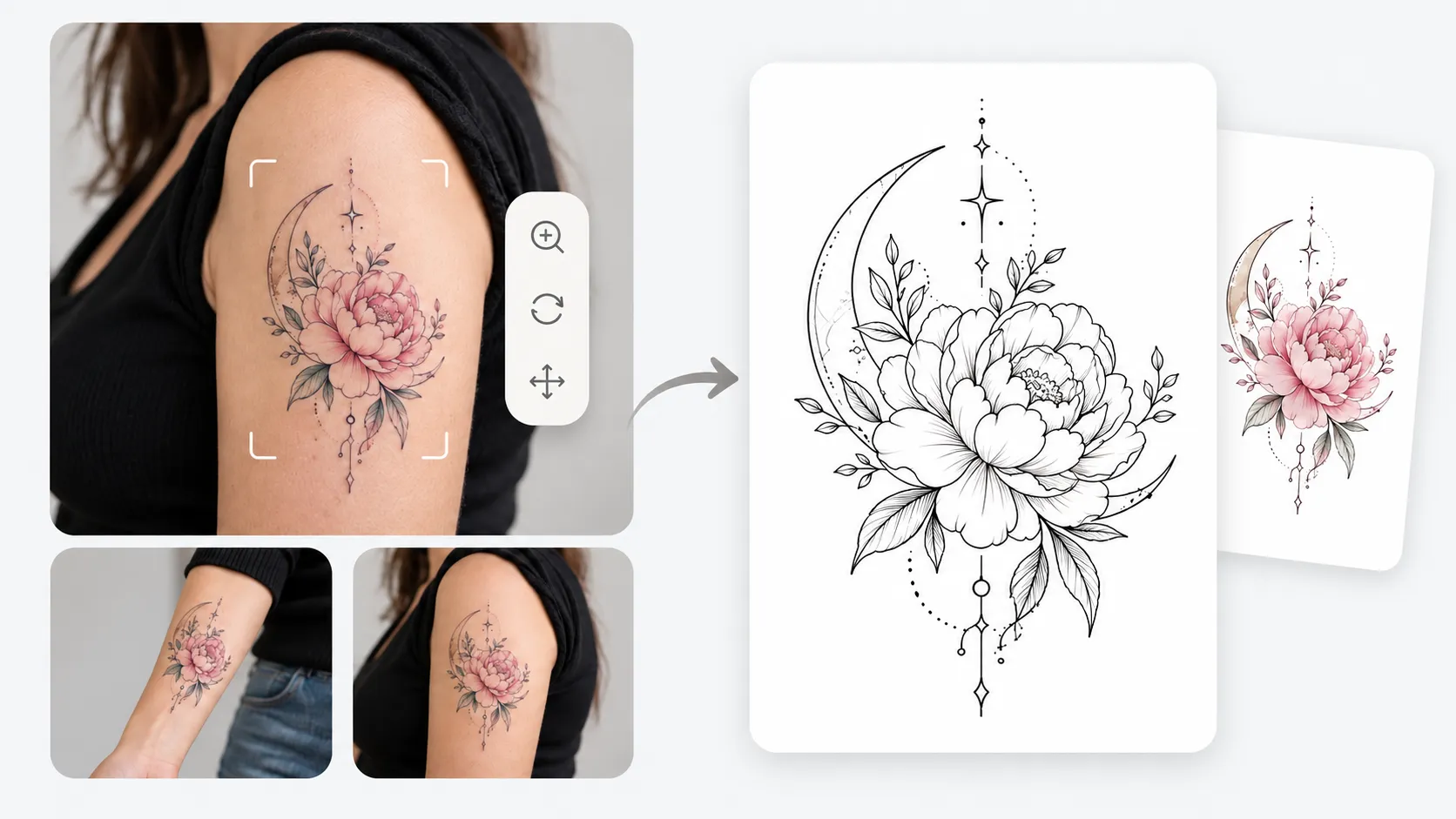
Design Your Tattoo in MyClaw Chat
Found a direction? Refine it in one place instead of switching apps. With MyClaw, OpenClaw and Hermes run as a managed platform that stays always on, handles scheduled jobs and skips server work. For tattoo art, its chat works with most popular models; Nano Banana Pro and Nano Banana 2.1 are on the list.
- Start with a free try in the Tattoo Generator, or open MyClaw Chat with a plain prompt.
- Paste a prompt from above with your subject, or upload a reference photo after signing in.
- Pick your model and refine in the same chat. Then export your favorites for your artist.
Pick Your Free AI Tattoo Designer by Tattoo Type
- Tattoo presets and model choice: start with MyClaw's free tries.
- Photo-based portrait: the Gemini app's free tier.
- Fine line or minimalist: Adobe Firefly.
- Names and quotes: Canva.
- Pure brainstorming: Perchance.
Whichever you choose, generate flat art, test it at real size, and let your artist make the final stencil.
Skip the Setup, Run Best-in-Class AI Agents Now
Launch a managed OpenClaw or Hermes Agent workspace in minutes, with always-on hosting, updates, and support handled by MyClaw.