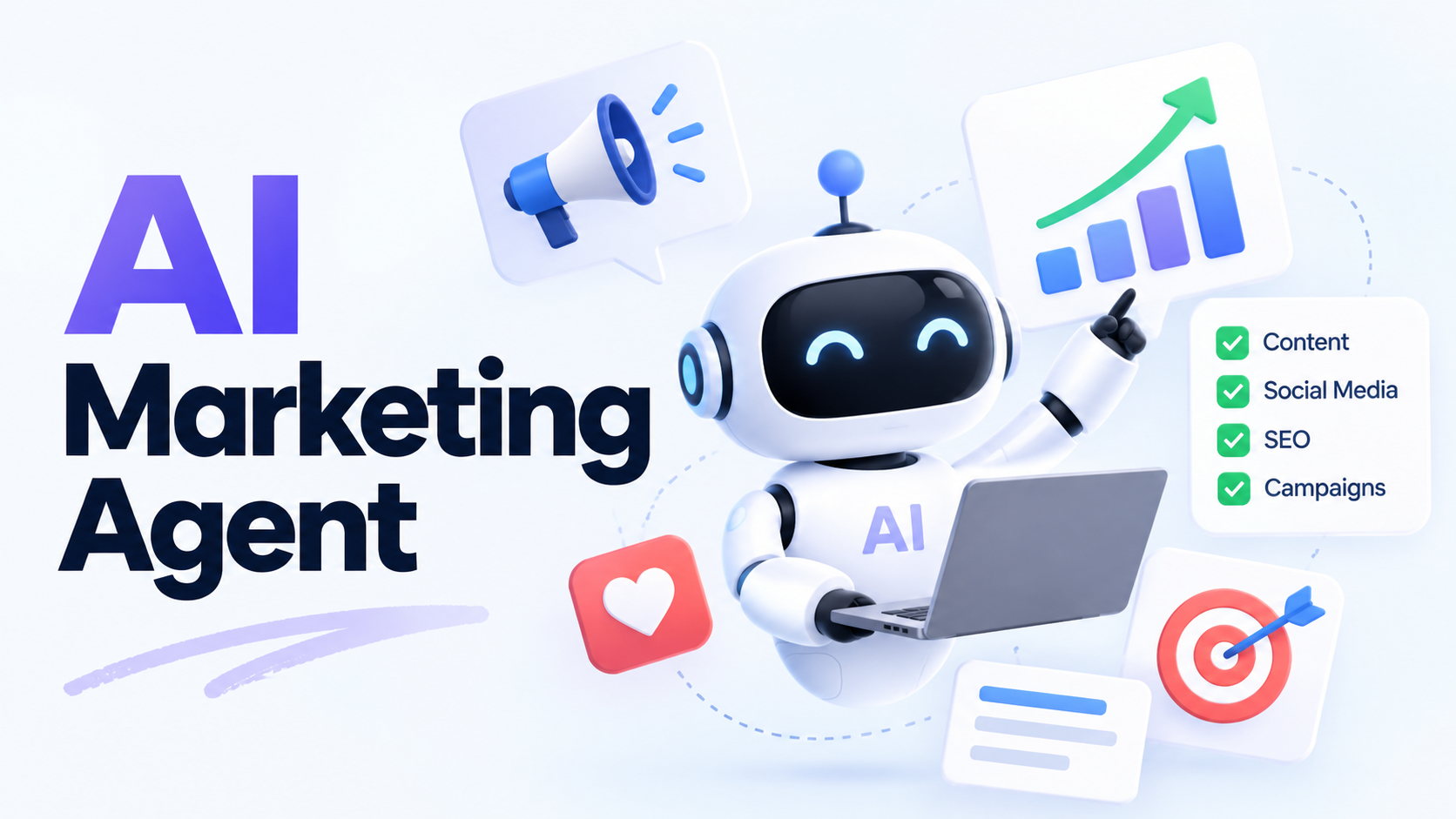
AI Marketing Agent: Use Cases and How to Get Started

By Alex Morgan
MyClaw Editorial
MyClaw
Run Best-in-Class AI Agents Now
Run OpenClaw or Hermes Agent on managed MyClaw hosting, so your AI agent stays online, updated, and ready for real work.
AI Takeaway
- What is an AI marketing agent? Software that pursues a marketing goal by choosing steps, using connected tools, and checking results within defined permissions.
- What should you automate first? One recurring task with reliable inputs and a clear output, such as a weekly content brief or lead-response draft.
- Can agents help gyms? Yes. They can prepare campaigns, handle routine inquiries, and support trial follow-ups with the required tools connected.
- What does the system need? Business context, a model, tool access, saved task state, approval controls, and measurement. Managed hosting keeps it available; you configure the work.
What Is an AI Marketing Agent?
An AI marketing agent is software that uses business information and connected tools to complete a marketing task. You define the goal and boundaries; it selects actions, checks their results, and continues until it finishes or needs your input.
Consider a campaign reply asking whether an offer suits a particular business. An agent could read the conversation, retrieve the current offer, check the account history, and prepare a response explaining the fit or route the question to sales.
Traditional automation can also branch on rules, such as stopping a sequence after someone books. An agent adds flexibility when the next step requires interpreting an unfamiliar request or deciding which information to retrieve.
Use fixed automation for predictable sequences. Consider an agent for tasks involving judgment across changing inputs, with a defined point for human review.

What Can AI Agents for Marketing Do?
Useful assignments give AI marketing agents a clear deliverable and give your team a decision to make.
| Job | Useful output | Human decision |
|---|---|---|
| Market research | A sourced brief on competitor offer and messaging changes | Decide whether your positioning needs adjustment |
| Lead handling | A prioritized reply queue with suggested responses | Approve messages and handle sensitive conversations |
| Campaign analysis | A performance summary with a proposed experiment | Approve targeting or budget changes |
For example, competitor monitoring workflows can flag a changed pricing page, capture the new offer, and explain its relevance to your campaign. Define the sources to watch and the changes worth reporting.
Match each assignment to the tools available. A marketing strategy skill might help plan a campaign; retrieving live ad results requires an authenticated connection to the advertising platform.
How AI Agents Transform Content Marketing
Connect Research, Drafts, and Repurposing
Content work involves repeated handoffs: collect sources, build a brief, draft, review, and adapt the approved piece for different channels. An agent can carry the audience, source material, and editorial decisions through those stages.
For a beginner fitness campaign, it could research questions newcomers ask before their first class and prepare an article brief using your current timetable and coaching information. After an editor approves the article, it could turn the advice into an email and a social post, adjusting the length and call to action for each channel.
Supply a brand guide and approved examples. Your team still contributes firsthand experience and chooses the angle. Keeping source notes with factual claims makes checking the drafts easier.

Use Performance Data to Plan the Next Update
With an analytics connection or export, an agent can identify pages losing traffic and propose a refresh queue. SEO agent workflows help turn those observations into specific content assignments.
Ask for evidence behind each recommendation. A page with steady impressions but fewer clicks might need a closer look at its search result presentation; a page describing a discontinued offer needs a factual update. Check seasonality and tracking changes before attributing a decline to the content.
How to Use AI Agents for Gym Marketing
Imagine a gym with unfilled beginner trial sessions. Give the agent a specific goal: help turn suitable inquiries into attended trials.
Provide current class times, prices, offers, location details, and answers to common questions. A skill for marketing ideas can use that context to suggest a first-visit checklist, a coach introduction, or a campaign addressing common beginner concerns.
Choose one concept. Have the agent draft a social post and an email for opted-in contacts, both leading to the same trial-booking page. Staff check the offer before publication. Then connect the campaign to an inquiry workflow:
- Answer the prospect's question using current gym information.
- Check trial availability through a supported booking connection.
- Prepare an invitation or complete an authorized booking, then arrange a reminder.
- Route unusual requests to staff and stop sales follow-ups after booking or opt-out.
For someone asking about an evening beginner class, the useful response includes a suitable session, what to expect, and a booking link. Without live booking access, direct them to the booking page without promising a space.
Use only permitted lead data and approved discounts or fitness claims. Track which campaign generated each inquiry so you can connect the marketing activity to bookings and attendance.
How to Build an AI Marketing Agent System
Connect Business Context and Tools
A practical AI marketing agent system architecture connects six stages:
Trigger → approved context → agent decision → tool action → result check → saved state or report
A trigger might be a new inquiry or a weekly schedule. Context supplies the brand rules, current offer, and relevant customer information. The model selects a next step, and a connected tool retrieves data or performs an action. Saved state tracks unfinished work and completed tasks across runs.
For example, email automation workflows bring together mailbox context, reply drafts, and follow-up checks. Separate permission to read messages from permission to send them. Start with the access needed for your chosen task.
Add Approval, Recovery, and Measurement
Begin with one agent and one bounded workflow. Add specialist agents when distinct roles or independently reviewable stages justify the extra handoffs.
Enforce approvals for publishing, bookings, and budget changes through tool or workflow controls. A prompt saying “ask first” does not itself restrict what a tool can execute.
Before retrying a failed send or booking, check whether the action actually succeeded. Where supported, use tools that recognize repeated requests by the same action identifier and prevent duplicate execution. Set retry limits and route unresolved errors to a person.
Keep sources, tool results, approval decisions, and campaign identifiers with each task. Test an expired offer, an unavailable appointment, and a disconnected account before using live leads. Each should produce a clear stop or handoff rather than a fabricated result.
Run Your Marketing Agent on MyClaw
 Recurring research, content briefs, and inbox reviews need a workspace that stays available between assignments. MyClaw provides managed OpenClaw hosting for a private, always-on agent instance, with infrastructure maintenance handled for you. It keeps the agent running while your laptop is closed; your campaign brief and connected tools determine the work it can perform.
1. Launch Your Marketing Workspace
Create a hosted OpenClaw instance and choose one initial assignment. For a gym, try a weekly content brief with a clear output:
“Every Monday, prepare three beginner-class content ideas using our current timetable and offer. Include the source facts and suggested channel for each. Return drafts for my review.”
2. Add Your Brand Context and Connect Your Tools
Supply your audience, offer, voice, and approved examples. Add the skills and connections the assignment needs. A content brief can start with supplied documents; live reporting or booking requires access to the relevant services. CRM, analytics, and publishing connections may need separate accounts, credentials, or compatible integrations.
3. Test One Campaign, Then Schedule It
Run the assignment once. Check that prices and class details match your sources, the ideas suit your audience, and the output arrives where expected. Then schedule the recurring task. Expand from briefs to customer-facing actions only after configuring and testing the appropriate approval controls.
Measure Results Before Expanding
Record a baseline before the pilot. For content, compare accepted drafts, editing time, and qualified inquiries. For gyms, calculate attendance rate as attended trials divided by booked trials, and membership conversion as trial attendees who become members divided by total trial attendees. Use the same trial cohort so later bookings do not distort the comparison.
Include subscriptions, model and tool usage, and review time in your costs. The Ops Marketing skill supports cross-channel marketing reporting for connected advertising, email, and web analytics services, with credentials and setup required. Keep gym booking and membership outcomes in your CRM or booking records.
Compare similar periods or use a small controlled test where practical. Check rejected outputs as well as successful ones.
Choose one workflow, one business metric, and a review date. Expand when the pilot delivers useful work at an acceptable cost and quality.
Skip the Setup, Run Best-in-Class AI Agents Now
Launch a managed OpenClaw or Hermes Agent workspace in minutes, with always-on hosting, updates, and support handled by MyClaw.